How to Control iPhone Location for Privacy and Testing Without Jailbreak
A practical guide to iPhone location control for privacy-conscious users, QA teams, and app testing workflows: Xcode GPX, USB desktop tools, hardware workflows, and no-jailbreak options.
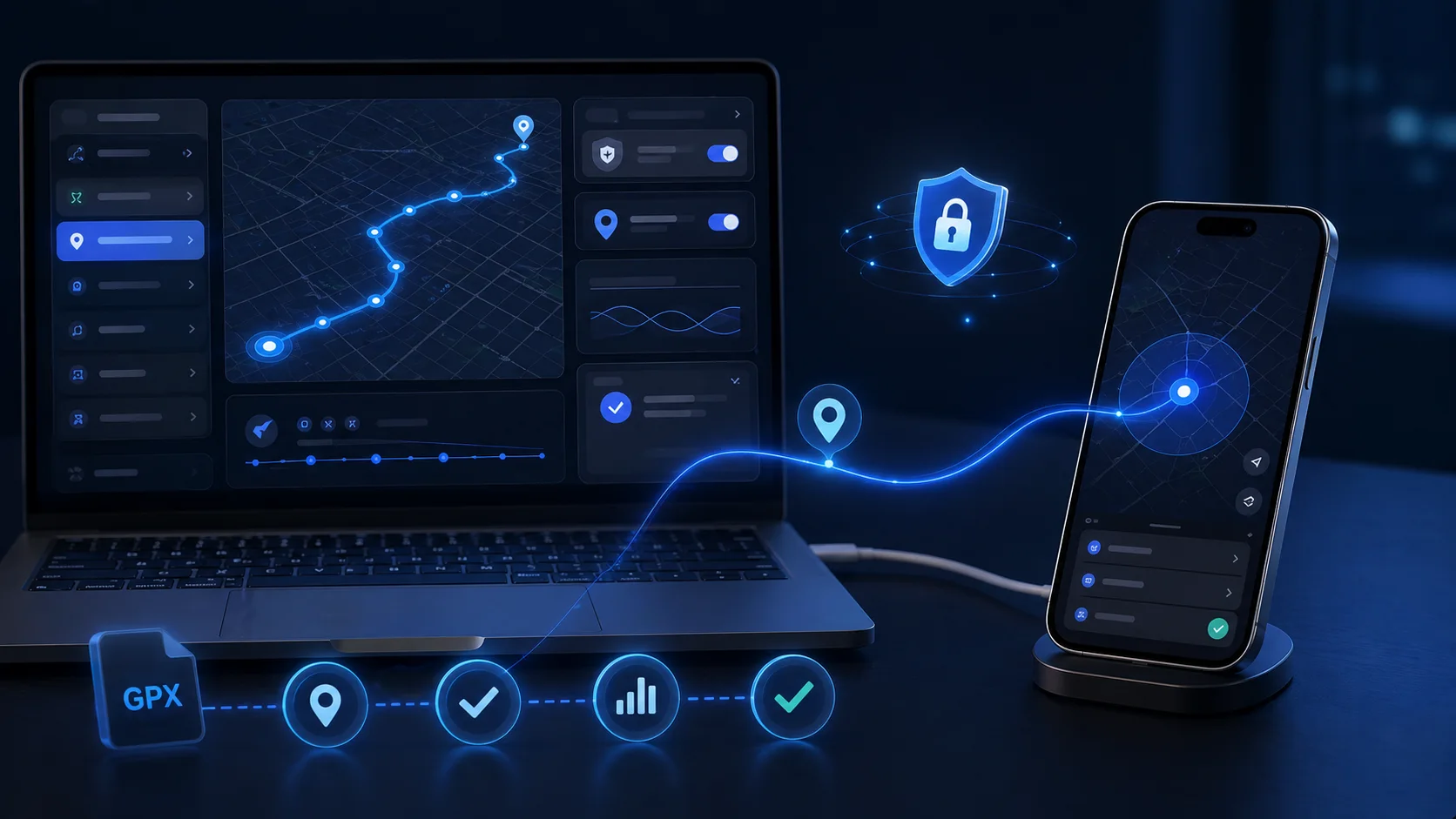
How to Control iPhone Location for Privacy and Testing Without Jailbreak
iPhone location control is useful for two legitimate groups: privacy-conscious users who want to reduce unnecessary real-location exposure, and professionals who need repeatable location workflows for QA, demos, maps, local search, geofencing, and regional feature testing.
Quick answer: use iOS privacy settings for everyday protection, Xcode GPX for developer testing, QPin Desktop for USB-connected Mac/Windows control, and QPin Hardware for portable workflows. QPin works at the iOS system location level in supported setups. Some apps may apply additional checks.
Start With the Official Testing Path: Xcode and GPX
For developers, Apple's official route is Xcode location simulation. A GPX file can define fixed coordinates or route points, and the app can be tested against those locations during development.
This is best for:
- App development.
- QA on a development build.
- Geofence validation.
- Map rendering tests.
- Regional UI and content checks.
It is less convenient for everyday privacy workflows because it is developer-oriented and tied to development tools.
Desktop-Based iPhone Location Controllers
Desktop workflows are better when you need a practical tool rather than a developer-only setup. QPin Desktop connects an iPhone by USB to a Mac or Windows computer and lets users manage location from a desktop map interface.
Use QPin Desktop when:
- You work at a computer.
- You want instant software activation.
- You need coordinates, routes, GPX workflows, or demos.
- You want a no-jailbreak workflow for supported iOS setups.
Read the setup guide: QPin Desktop for macOS/Windows.
Hardware Workflows for Portable Use
Hardware workflows are designed for users who do not want to keep a computer attached during normal sessions. QPin Hardware is a portable external-accessory workflow for supported iPhone setups.
Use QPin Hardware when:
- You need location control away from your desk.
- You prefer a dedicated device.
- You want a portable workflow for demos or field testing.
- You need stronger separation from desktop-only tools.
Read the hardware guide: QPin Hardware Manual.
Hardware vs Software: What Is the Real Difference?
Avoid exaggerated claims. The real distinction is workflow and signal path, not magic.
Hardware can avoid Android-style mock-location flags, but iOS apps may still evaluate account behavior, network region, sensors, device status, and policy signals.
Use Cases for Privacy and Testing
1. Geofencing Validation
QA teams can test whether an app correctly triggers entry and exit events around a store, campus, office, delivery zone, or restricted region.
2. Regional Feature Testing
Product teams can confirm whether pricing, content, language, availability, and onboarding flows appear correctly in different cities.
3. Privacy Workflows
Privacy-conscious users may want to reduce unnecessary exposure of home, school, workplace, or routine movement patterns in social or dating apps.
4. Demo and Training
Sales, support, and training teams can reproduce a known location scenario without physically traveling.
Recommended Setup
- Use native iOS privacy settings first.
- Use Xcode GPX for development builds.
- Use QPin Desktop for daily desk-based testing.
- Use QPin Hardware for portable workflows.
- Avoid unrealistic movement patterns.
- Do not use location tools to commit fraud, harassment, or platform abuse.
What QPin Can and Cannot Do
QPin can help control the iPhone system location layer in supported setups for privacy, QA testing, demos, and authorized workflows. QPin cannot guarantee that every app will accept the location, cannot replace the app's official privacy settings, and cannot prevent account, network, sensor, or policy checks. Do not use location tools for fraud, harassment, impersonation, or safety abuse.
Customer Feedback Snapshot
Verified customer feedback highlights QPin as a practical no-jailbreak workflow for repeatable testing:
QPin Desktop made repeatable iPhone location testing easier over USB, while QPin Hardware was useful for portable workflows. We still validate each target app because some apps apply extra checks.
Conclusion
The best iPhone location control setup depends on the job. Developers should keep Xcode GPX in their toolkit. Privacy-conscious users and testers who need practical workflows can choose QPin Desktop or QPin Hardware, while keeping expectations realistic: system-level location control is useful, but apps may still apply additional checks.
FAQ
Can I control iPhone location without jailbreak?
Yes. Developers can use Xcode and GPX files for app testing, while QPin Desktop and QPin Hardware provide no-jailbreak workflows for supported iOS setups.
Is hardware location control undetectable?
No tool should be described as undetectable. Hardware workflows can avoid Android-style mock-location flags, but apps may still use account, sensor, network, or policy checks.