Free iOS Location Spoofer vs Hardware GPS Spoofer
Compare free iOS location spoofers such as GeoPort with hardware GPS spoofers like QPin Hardware. Understand cost, desktop dependency, setup time, portability, support, and real-world risk.
Quick Answer
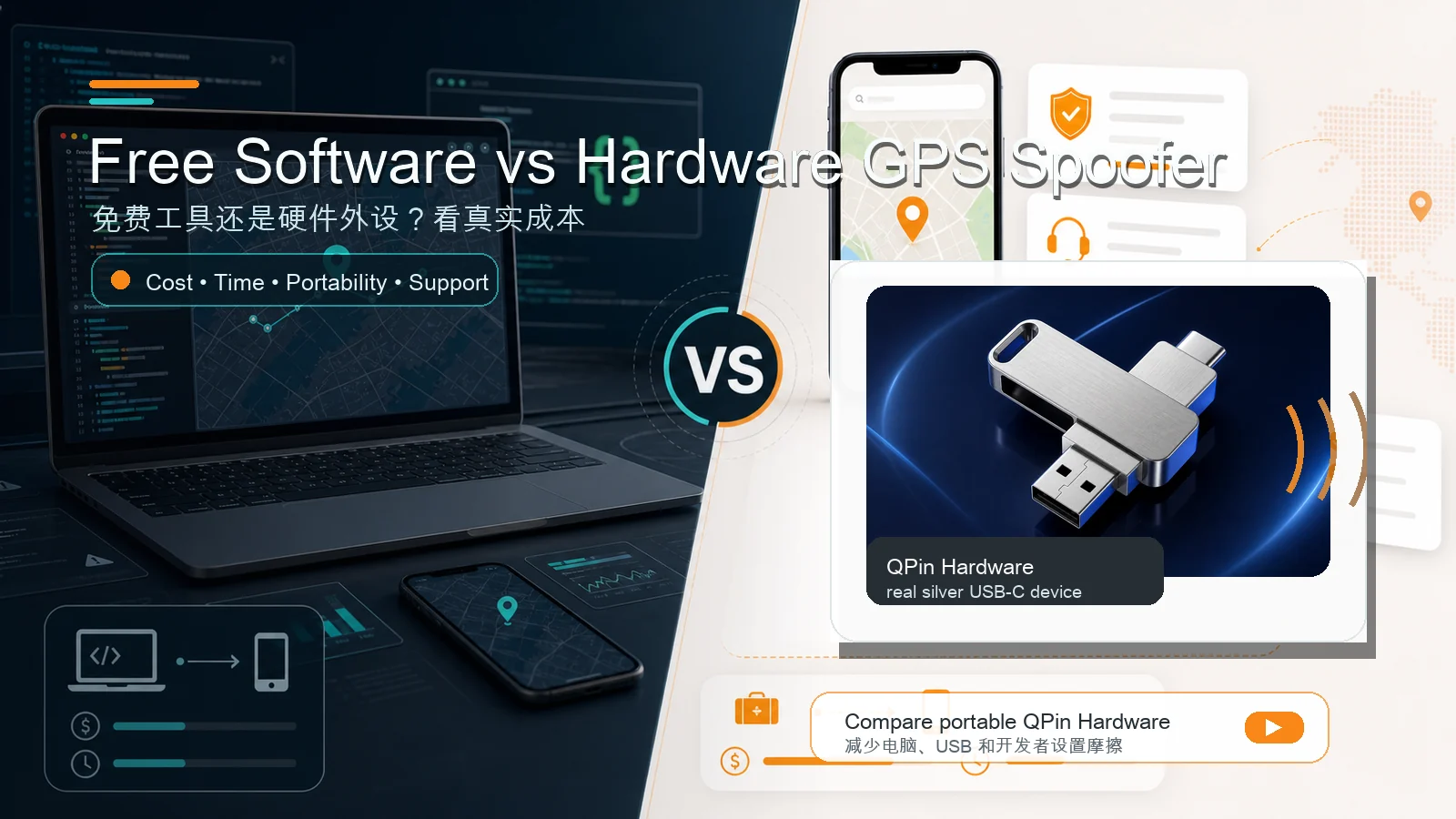
A free iOS location spoofer is usually the right first step if you are testing at a desk, learning the workflow, or trying to avoid upfront cost. A hardware GPS spoofer becomes more attractive when portability, repeated-use convenience, fewer desktop variables, and product support are worth more than saving the purchase price.
GeoPort is a strong example of a free desktop workflow. QPin Hardware is a portable hardware workflow.
The best choice depends less on "free vs paid" and more on your actual cost: time, setup friction, failed sessions, cable problems, Developer Mode prompts, and whether you need to use the workflow away from a computer.
The Real Cost Comparison
When Free Software Is the Better Choice
Free tools are not "worse" by default. They are often the best starting point.
Choose a free tool first if:
- You only need occasional testing.
- You mostly work near a computer.
- You are comfortable with USB setup.
- You can handle Developer Mode and trust prompts.
- You can follow technical docs and troubleshoot.
- You want to learn before buying anything.
GeoPort is especially useful for developers and QA teams that already work on a desktop. It fits a technical testing environment where the user accepts setup responsibility in exchange for a free software workflow.
Where Free Tools Start to Feel Expensive
Free can become expensive when the cost is your time.
Common friction points include:
- iPhone not appearing in the device list.
- Windows services or iTunes components missing.
- USB cable works for charging but not data.
- Developer Mode is hidden.
- Setup asks for passcode-related changes.
- Location works briefly and then resets.
- WiFi mode still requires desktop pairing and recovery.
- A third-party app behaves differently from Apple Maps.
These are not theoretical problems. They are common enough that a buyer should treat troubleshooting time as part of the total cost of a free desktop tool, especially on newer iOS versions.
When Hardware Is the Better Choice
Hardware becomes more relevant when the workflow is frequent and the desktop chain is the bottleneck.
Consider QPin Hardware if:
- You need the workflow repeatedly, not once a month.
- You want to use it away from a desk.
- You do not want every session to start with USB recognition.
- You dislike Developer Mode and passcode troubleshooting.
- You want a product support and warranty path.
- You value predictable setup more than zero upfront cost.
This is not a claim that hardware removes every risk. Third-party apps and games can still enforce their own rules, location checks, account policies, and cooldown expectations. The advantage is workflow: fewer desktop-chain variables and better portability.
AR Games, Delivery Apps, and QA Are Different Use Cases
AR games
AR game users often care about convenience and movement. A desktop tool can work for desk-bound testing, but a portable workflow is more practical if the user is moving around. Regardless of tool, realistic movement and cooldown discipline matter.
Delivery and field workflows
Delivery, field sales, and check-in workflows are higher-risk because platform rules can be strict. A location tool should be used only for legitimate testing or troubleshooting. Hardware may reduce desktop setup friction, but it does not change third-party platform policies.
App QA and development
Free desktop tools are often enough for lab QA. Hardware becomes useful when QA needs to test in real field routes, multiple rooms, hotels, client sites, or other mobile contexts.
Decision Framework
Choose free software if your priority is:
- Lowest upfront cost.
- Desktop testing.
- Learning and experimentation.
- Self-guided troubleshooting.
- Occasional use.
Choose hardware if your priority is:
- Portability.
- Repeatable daily workflow.
- Less desktop setup.
- Fewer USB-chain variables.
- Product support and warranty.
- Mobile or field usage.
A Practical Upgrade Path
The most practical path is not "never use free tools" or "always buy hardware."
Use this sequence:
- Start with a free tool such as GeoPort if you are unsure.
- Confirm whether your target workflow actually works in Apple Maps.
- Track how much time you spend on USB, Developer Mode, and device recognition.
- If the troubleshooting time becomes the real cost, compare QPin Hardware.
- Read the QPin Hardware manual before buying if setup details matter to you.
Bottom Line
Free iOS location spoofers are best for learning, testing, and desktop workflows. Hardware GPS spoofers are better when the job is frequent, mobile, and friction-sensitive.
GeoPort is a good free starting point. QPin Hardware is the route to compare when the computer itself becomes the problem.
Recommended Next Steps
- GeoPort not working on iOS 18
- GeoPort no computer alternative
- QPin Hardware