GeoPort No Computer Alternative: What Changes
Looking for a GeoPort no-computer alternative? Learn what GeoPort WiFi mode can and cannot solve, why the desktop chain still matters, and when QPin Hardware makes sense.
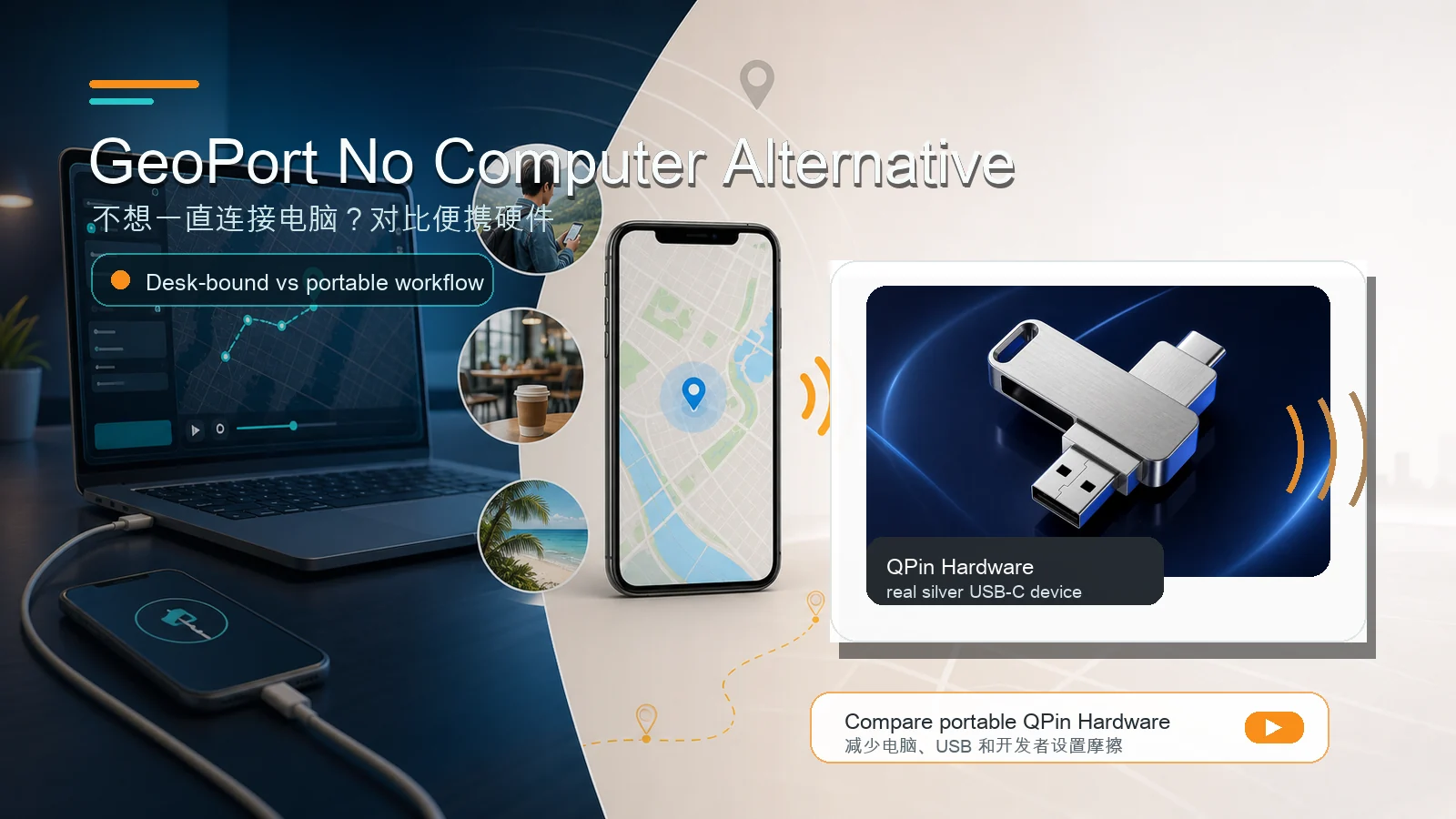
Quick Answer
If you search for "GeoPort no computer alternative," the key point is this: GeoPort is still a desktop-based tool, even when WiFi mode reduces the need to keep a USB cable attached.
GeoPort can offer a WiFi-style connection path after setup, and that can be useful. But the workflow can still depend on a computer for setup, trust, pairing, recovery, and the desktop app itself.
If your real goal is "I do not want a computer involved in normal daily use," compare QPin Hardware. It is not free software. It is a portable hardware workflow designed for users who want to reduce repeated desktop-chain friction.
What "No Computer" Usually Means
People use "no computer" in different ways. Before comparing products, separate these intents:
This article focuses on the second and third meanings: not keeping a computer involved in the normal workflow.
What GeoPort WiFi Mode Can Solve
GeoPort-style WiFi mode can help if your biggest problem is the physical cable.
WiFi mode can reduce:
- Cable clutter on the desk.
- Accidental USB disconnects.
- Limited movement caused by a short cable.
- Wear on the iPhone port.
- The annoyance of holding the phone beside the laptop.
For developers and technical users, that is a useful improvement.
What WiFi Mode Does Not Fully Solve
WiFi mode does not turn GeoPort into a hardware-free mobile accessory. You may still need:
- A computer running GeoPort.
- Initial USB trust and pairing.
- Developer Mode where required.
- iTunes or Apple device services on Windows.
- A stable local network.
- A way to recover the session when the connection breaks.
In other words, WiFi can reduce one part of the desktop chain, but it does not change GeoPort into a fully mobile workflow.
Real-World Friction to Consider
Users search for "no computer" because desktop workflows often create the same practical friction points:
- Location changes can depend on the desktop session staying healthy.
- Device recognition can fail after a phone reset, OS update, or computer change.
- Developer Mode and passcode prompts can interrupt first-time setup.
- Windows users may need to confirm Apple device services before the iPhone is recognized.
- WiFi mode may still require pairing, network stability, and recovery through the desktop app.
These are not reasons to dismiss GeoPort. They explain the tradeoff: free desktop tools are powerful, but the user owns more of the setup and recovery work.
When GeoPort Is Still the Better Choice
Choose GeoPort if:
- You want a free tool first.
- You mainly test at a desk.
- You are comfortable with USB pairing and Developer Mode.
- You can troubleshoot device services and permissions.
- You only need occasional location simulation.
- You are a developer or QA tester validating location behavior.
For this audience, a desktop tool is not a burden. It is part of the working environment.
When a No-Computer Alternative Makes More Sense
Look for a portable hardware workflow if:
- You use location workflows repeatedly.
- You want to move around the house, office, cafe, hotel, or field route.
- You do not want your iPhone session tied to a laptop.
- You dislike Developer Mode and passcode setup prompts.
- You want a product support, order, and warranty path.
- You are trying to reduce the number of variables in each session.
This is where QPin Hardware becomes relevant. It is designed for a different buyer: someone who values portability and repeated-use convenience more than zero upfront cost.
Example Scenarios
AR game player
GeoPort can be fine if the player sits at a desk and accepts a desktop setup. QPin Hardware is more relevant if the player wants a phone-centered workflow away from the laptop. No option should be treated as a guaranteed way to avoid account risk; cooldown behavior, realistic movement, and platform rules still matter.
App QA tester
GeoPort can be the right tool for lab testing because logs, desktop control, and repeatable coordinates are useful. QPin is more relevant for field testing where the tester is moving between locations and does not want to keep a laptop connected.
Privacy or map-workflow tester
If the task is occasional and controlled, GeoPort is enough. If the task happens often across rooms, offices, or trips, hardware can reduce repeated setup time.
Practical Recommendation
Use this decision path:
- Try GeoPort if your main requirement is free desktop testing.
- Use GeoPort WiFi mode if your main problem is the physical USB cable.
- Compare QPin Hardware if your main problem is the computer itself.
- Read the QPin Hardware manual if you want setup details before buying.
Bottom Line
"GeoPort without a computer" is not really GeoPort anymore. It is a different workflow.
GeoPort is best when a computer is acceptable. QPin Hardware is the option to compare when the computer itself becomes the problem.
Recommended Next Steps
- GeoPort not working on iOS 18
- Why GeoPort needs Developer Mode
- QPin Hardware