GeoPort vs QPin: Free Desktop Tool or Portable Hardware?
Compare GeoPort and QPin Hardware for iPhone location workflows, AR games, desktop testing, USB dependency, portability, setup friction, and safer location-control habits in 2026.
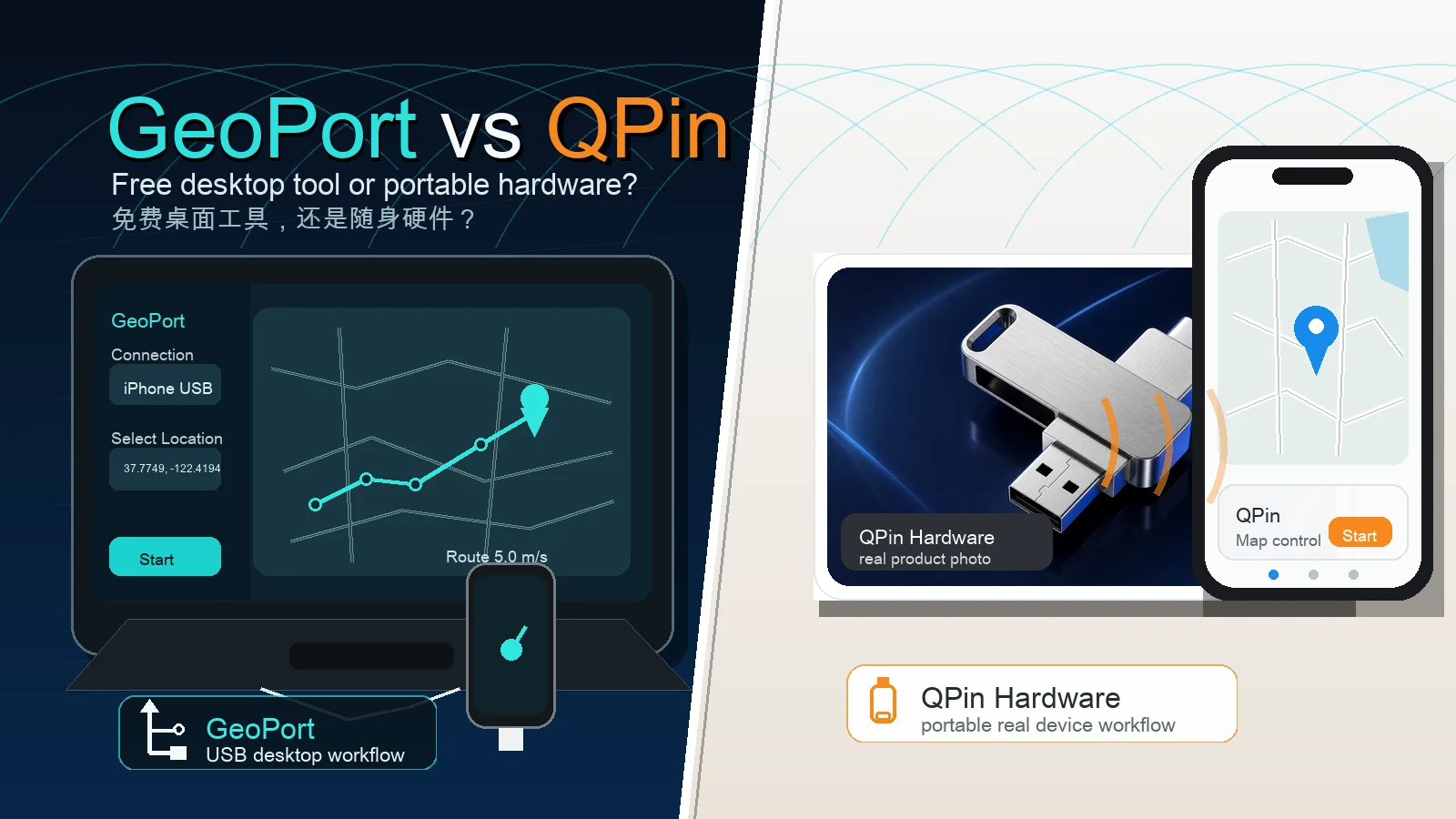
Quick Answer
In iPhone location-control and AR game communities, GeoPort and QPin represent two different paths.
GeoPort is the free desktop-tool path: good for users who are comfortable with a computer, USB cable, device trust prompts, and developer-style setup.
QPin Hardware is the portable hardware path: better for users who want to move away from the desk and reduce the friction of a tethered desktop workflow.
Short version: Choose GeoPort for free desktop testing. Choose QPin Hardware if portability, fewer USB-chain variables, and a dedicated accessory workflow matter more than zero upfront cost.
The Two Camps in 2026
As iOS versions continue to change, iPhone location workflows have split into two practical camps.
The first camp is the open desktop software camp, represented by tools such as GeoPort. These tools appeal to technical users because they are free, transparent, and useful when the iPhone can stay connected to a computer.
The second camp is the portable hardware camp, represented by QPin Hardware. This path is not about being free. It is about convenience, portability, and reducing the number of desktop variables involved in normal use.
For AR games such as Pokemon GO, Monster Hunter Now, Pikmin Bloom, and other location-based apps, the choice is less about which tool sounds more advanced and more about which workflow fits your daily use.
Camp One: GeoPort, the Free Desktop Tool
GeoPort is popular because it offers a no-cost way to run an iPhone location workflow from a desktop computer. For many users, that is enough.
It is especially useful for:
- Desktop testing at home or in an office.
- Developers checking location-based app behavior.
- Occasional map or coordinate testing.
- Users who do not mind USB setup and desktop troubleshooting.
GeoPort's Main Strength
The biggest advantage is price: GeoPort is free. If you are technical, patient, and already work near a computer, it is a reasonable first tool to try.
GeoPort's Main Friction
The problem is not only the tool itself. The problem is the desktop chain around it:
- You need a Mac, Windows PC, or Linux machine nearby.
- The iPhone usually needs to stay connected through USB.
- First-time setup may involve drivers, trust prompts, permissions, or Developer Mode depending on the environment.
- Cable quality, loose ports, desktop sleep, service state, and app permissions can all affect the session.
- If the workflow is interrupted, the location state may reset or jump, which can create risk depending on the app.
For occasional testing, that is acceptable. For frequent mobile use, it becomes tiring.
Camp Two: QPin Hardware, the Portable Accessory
QPin Hardware takes a different route. It is a physical accessory for iPhone location workflows, built for users who do not want every session to revolve around a computer.
The main advantage is mobility. Instead of being tied to a desk, the workflow is designed around a supported iPhone setup, a portable device, and a companion control experience.
QPin Hardware is more relevant if you:
- Play or test AR games away from a desk.
- Need to move between rooms, offices, cafes, hotels, or transit.
- Want a portable workflow for repeated field testing.
- Do not want every session to depend on USB connection quality.
- Prefer a product support path with order, setup, warranty, and troubleshooting records.
This does not mean QPin Hardware is a magic bypass for every third-party app. Apps and games can still apply their own location checks, account policies, cooldown logic, and risk models. The advantage is workflow: fewer desktop-chain variables and better portability.
GeoPort Desktop Tool vs QPin Hardware
Daily Workflow Comparison
A typical GeoPort session
- Sit near the computer.
- Open the desktop app.
- Connect the iPhone by USB.
- Confirm device trust and recognition.
- Check permissions or Developer Mode if required.
- Apply a point or route from the desktop.
- Keep the phone and computer chain stable during use.
This is manageable at a desk. It is awkward on a couch, in a hotel, in a cafe, or during a commute.
A typical QPin Hardware session
- Turn on the QPin Hardware accessory.
- Follow the supported pairing and setup workflow.
- Use the companion control interface.
- Select a point, route, or movement mode where supported.
- Verify the location in Apple Maps before relying on another app.
- Return to the app you are testing or using.
The difference is not only speed. The difference is that the workflow is built around mobility.
AR Game Safety Notes for 2026
No iPhone location tool, software or hardware, should be treated as a guaranteed anti-ban solution.
For AR games and location-based apps, safer habits still matter:
- Respect cooldown time after long-distance jumps.
- Avoid unrealistic repeated global jumps.
- Prefer realistic movement speed and route behavior.
- Verify the system location before opening the target app.
- Understand that each app can apply its own risk checks.
- Follow the platform's rules and use location tools responsibly.
QPin Hardware can reduce desktop USB-chain friction, but responsible behavior is still the user's job.
Choose GeoPort If
GeoPort is the better choice if:
- You want a free tool first.
- You mainly test at a desk.
- You are comfortable with computer setup.
- You can handle USB recognition and permission issues.
- You only need occasional location simulation.
If this is your situation, start with the GeoPort tutorial.
Choose QPin Hardware If
QPin Hardware is the better fit if:
- You are a frequent AR game or location-workflow user.
- You do not want your iPhone tied to a computer.
- You use location workflows while moving between places.
- You want a portable accessory instead of a desktop-only tool.
- You care more about convenience and support than zero upfront cost.
Bottom Line
GeoPort is a strong free testing tool. It is useful, accessible, and worth trying if your workflow lives at a desk.
QPin Hardware is the stronger upgrade path when the computer itself becomes the limitation. For users who want a portable, phone-centered, hardware-supported workflow in 2026, QPin Hardware is the more practical long-term choice.