Uber Eats iPhone GPS Drift: Route Continuity and System Location Stability
Fix Uber Eats iPhone GPS drift with a 2026 guide to route continuity, signal jitter, iOS system location, and QPin no-app-modification testing.
Uber Eats iPhone GPS Drift: Route Continuity and System Location Stability
Uber Eats iPhone GPS drift is not just an annoying blue dot problem. In dense cities, the courier app may see jumps, stale coordinates, delayed refreshes, or a path that does not match normal movement. The practical fix starts with system location stability: QPin can modify and stabilize the iPhone system location in supported setups without modifying Uber Eats.
This matters because modern delivery apps can evaluate more than a single coordinate. They may compare location continuity, pickup pins, route state, network context, sensor movement, timing, and app-side workflow rules. QPin does not override those checks. It gives testers a cleaner iOS system-location baseline.
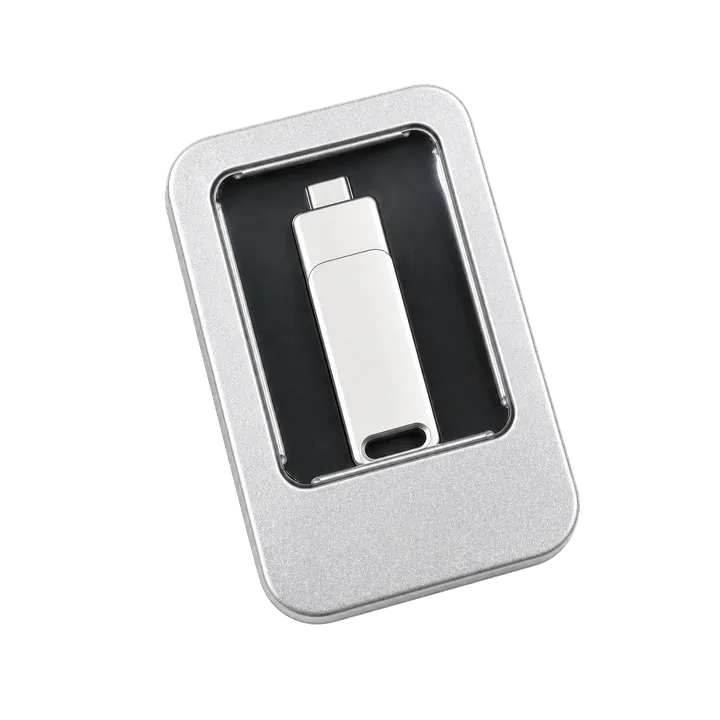
Watch the QPin Uber Driver GPS Demo
This short video shows QPin changing the iPhone system GPS location through an external hardware workflow. Uber Driver then reads the updated iOS location on the same device. Use it as a visual reference for system-level location behavior; each app can still apply its own account, network, sensor, and policy checks.

QPin iPhone GPS Modifier Demo: Uber Driver Reads Updated iOS Location
Why GPS Drift Looks Suspicious Even When It Is Real
GPS drift often happens in exactly the places couriers work:
- high-rise streets in New York, London, Paris, and Los Angeles;
- indoor restaurants, food courts, and malls;
- apartment complexes with multiple entrances;
- delivery handoff points behind large buildings;
- weak cellular data or stale Wi-Fi location assistance.
When a phone jumps across a block, it can look like "impossible travel" even if the rider did nothing wrong. A stable testing workflow helps separate real device drift from app-side logic.
How to Measure Route Continuity
For Uber Eats GPS drift, the useful question is not only where the blue dot is now. The useful question is whether the location stream looks physically continuous over time. A phone that moves smoothly from the restaurant entrance to the road is easier to explain than a phone that stays frozen for two minutes and then jumps three blocks away. This is why route continuity is a better diagnostic concept than a single screenshot.
Use a simple two-minute test. Start outside with a clear view of the sky, open Apple Maps, wait until the dot settles, and then walk or drive a short known path. Record whether the dot moves gradually, snaps to a parallel street, freezes, or jumps after the app switches network state. Repeat the same test with a QPin-controlled coordinate when you need a stable baseline. If Apple Maps stays stable while Uber Eats drifts, the issue may be app-side interpretation rather than raw iPhone GPS.
Route Continuity and System Location Stability
A normal iPhone location stream has movement, timing, small signal jitter, and context. A bad fake GPS setup often creates static coordinates or sudden jumps. QPin's value is that it can create a controlled iOS system coordinate for repeatable testing, so you can compare Apple Maps and Uber Eats from a known baseline.
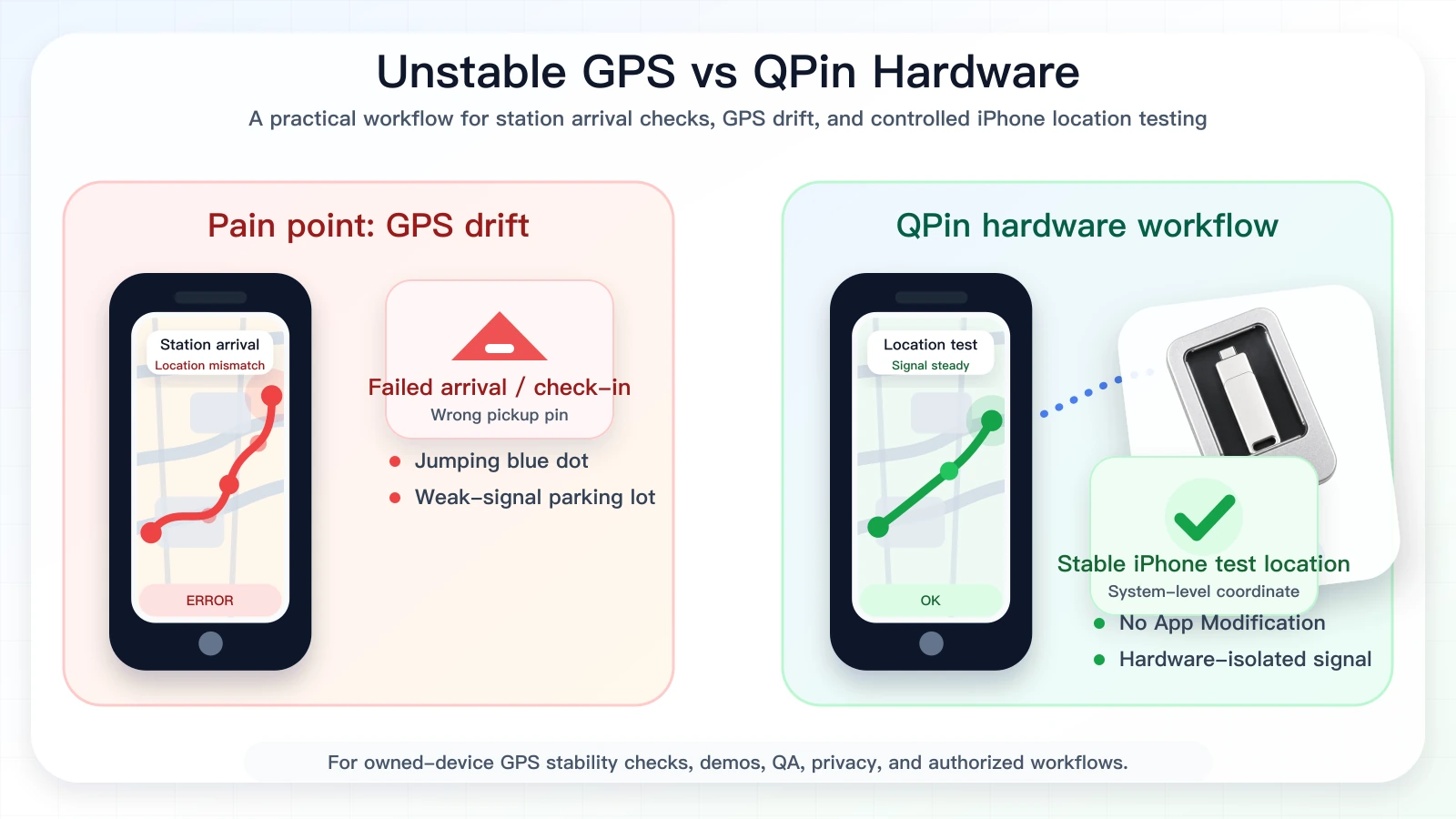
QPin Workflow for GPS Drift Testing
- Keep Uber Eats original and unmodified.
- Confirm Precise Location is enabled.
- Keep Wi-Fi on for iOS positioning support.
- Turn off VPN while diagnosing.
- Check Apple Maps before opening Uber Eats.
- Use QPin Hardware or QPin Desktop to set a test coordinate.
- Compare Apple Maps and Uber Eats from the same iOS system coordinate.
- Record the result and return to real GPS after testing.
QPin can modify iPhone system location in supported workflows. Uber Eats may still use account, network, sensor, timing, geofence, and policy checks. That boundary is what makes the content credible.
Compliance Note
QPin is not affiliated with Uber Eats, Uber, DoorDash, Amazon Flex, Spark Driver, Walmart, Lyft, or any delivery platform. Users should follow the rules of the apps and platforms they use.
QPin is designed for owned-device testing, GPS stability checks, demos, privacy, QA, support reproduction, and authorized workflows.
Related Guides
- Uber Eats false location detected guide
- iOS location spoofing for Uber Eats drivers
- Fix Uber Eats map inaccuracy for UK riders
FAQ
Why does Uber Eats GPS drift on iPhone?
Common causes include weak satellite view, urban canyons, indoor restaurants, stale Wi-Fi positioning, cellular handoff, VPN mismatch, disabled Precise Location, and app cache.
Can QPin stabilize iPhone system location?
In supported setups, QPin can set a selected iPhone system coordinate for controlled testing, making GPS drift easier to reproduce, compare, and document.
Does QPin simulate Uber Eats routes?
QPin supports controlled location workflows for testing and demos. It should not be used to misrepresent live delivery movement or violate platform rules.