Fix Uber Eats Map Inaccuracy for UK Riders: iPhone GPS Pin Guide
A UK-focused Uber Eats map inaccuracy guide for wrong pickup pins, complex addresses, iPhone GPS drift, and QPin system-level location testing.
Fix Uber Eats Map Inaccuracy for UK Riders: iPhone GPS Pin Guide
UK riders often face a different Uber Eats location problem from US suburban drivers. In London, Manchester, Birmingham, and dense European-style streets, the issue is not always "fake GPS." It is often map inaccuracy: the restaurant pin points to the wrong side of a shopping centre, a new-build apartment block has a private courtyard, a pedestrian entrance is different from the car route, or the app places the rider on the next street.
QPin's role is not to modify Uber Eats. QPin works at the iPhone system-location layer in supported setups. That lets riders, QA teams, or support teams test a selected coordinate and compare Apple Maps, Uber Eats, and screenshots from the same baseline.
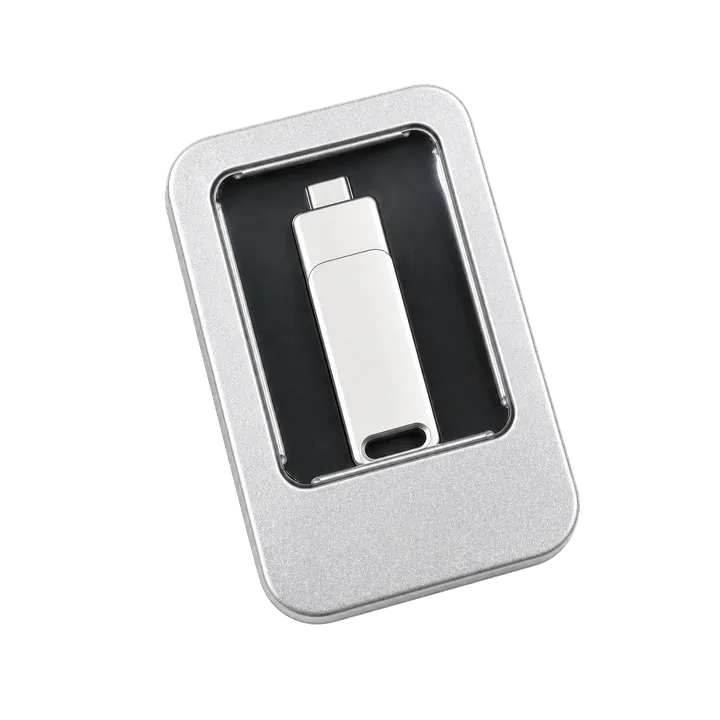
Watch the QPin Uber Driver GPS Demo
This short video shows QPin changing the iPhone system GPS location through an external hardware workflow. Uber Driver then reads the updated iOS location on the same device. Use it as a visual reference for system-level location behavior; each app can still apply its own account, network, sensor, and policy checks.

QPin iPhone GPS Modifier Demo: Uber Driver Reads Updated iOS Location
Why UK Pickup Pins Go Wrong
Uber Eats pickup pins can be wrong for ordinary map reasons:
- restaurant units inside shopping centres;
- service entrances behind high streets;
- addresses that share one postcode but have different entrances;
- pedestrian-only streets and restricted traffic zones;
- new developments not fully reflected in map data;
- GPS drift between tall buildings.
When this happens, the rider's iPhone may be correct while the pickup pin is wrong, or the pin may be correct while the iPhone blue dot is drifting. Those are different problems and need different evidence.
UK Evidence Checklist for Complex Addresses
UK address evidence should be practical. A postcode alone is often not enough because several restaurants, entrances, service roads, and residential blocks may share the same code. For a useful support or QA record, capture the venue name, street entrance, pedestrian route, road access point, floor or unit number, and whether the rider is inside a shopping centre or courtyard.
QPin can then be used to test the exact entrance coordinate, not just the postal address. That is the conversion point: QPin modifies the iPhone system location in supported setups, so the same selected entrance can be checked in Apple Maps and Uber Eats without modifying the Uber Eats app.
The Last 100 Metres: A Practical Testing Workflow
The last 100 metres of a delivery workflow are where GPS problems become expensive. A rider may be at the restaurant entrance, but the app points to a loading bay. Or the courier may stand inside a food hall while the phone jumps to the main road.
Use this workflow for authorized testing and support evidence:
- Open Apple Maps and confirm the iPhone location.
- Open Google Maps and compare the restaurant entrance.
- Screenshot the Uber Eats pickup pin, address, and time.
- Use QPin to set a neutral test coordinate at the correct entrance.
- Verify the selected iOS system location in Apple Maps.
- Compare Uber Eats behavior and document the mismatch.
- Return the iPhone to real GPS after testing.
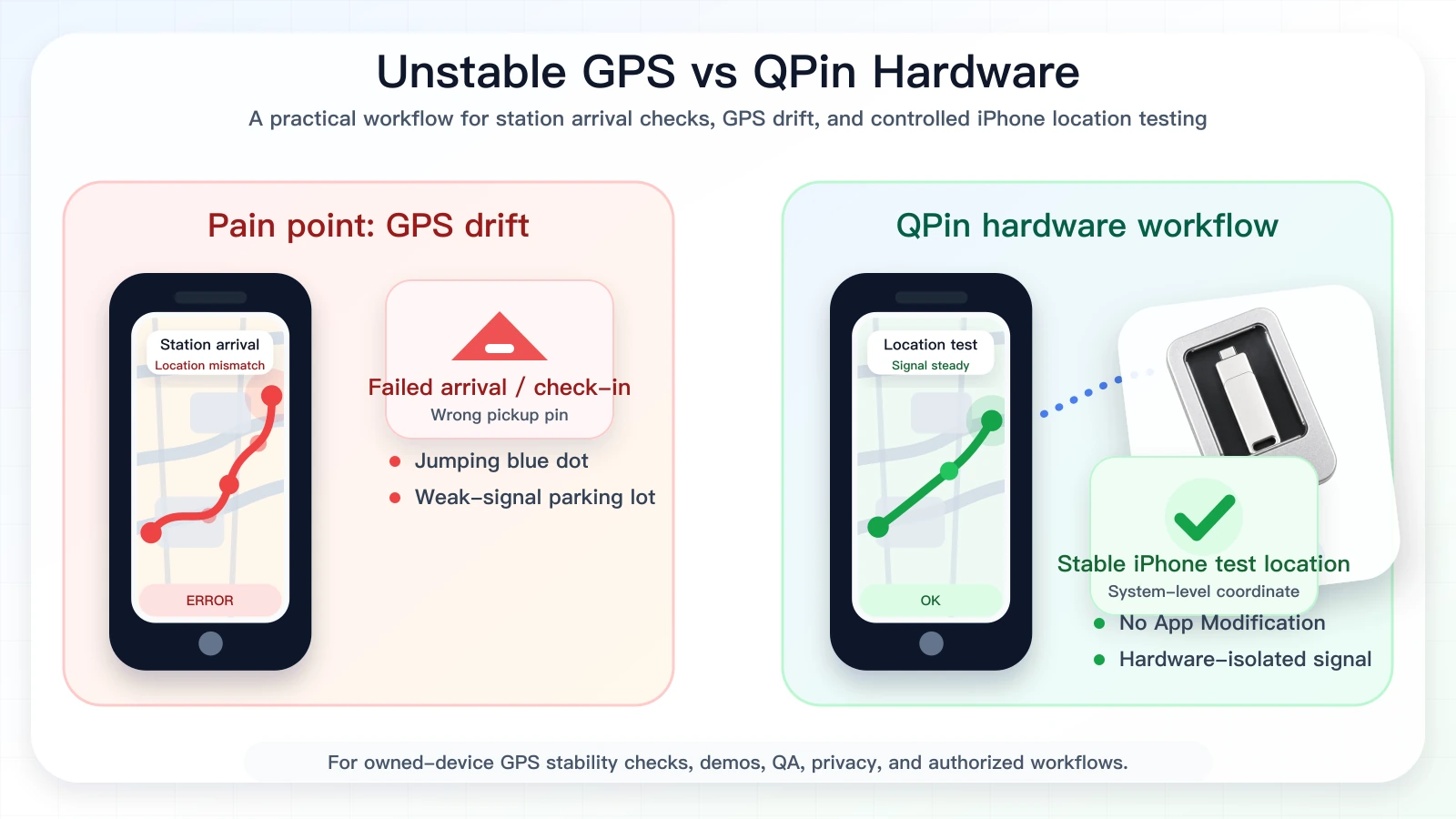
Why This Converts Better Than Generic Fake GPS Content
Generic "fake location" content sounds risky and vague. A UK map-inaccuracy page speaks to a real rider problem: complex addresses, wrong entrance points, and GPS drift in dense streets. QPin becomes a professional location stabilizer and evidence tool rather than a software-tampering product.
The conversion message is clear: QPin can modify iPhone system location in supported setups, without modifying Uber Eats. That makes it useful for controlled location testing, pickup-pin verification, demos, QA, and support documentation.
Compliance Note
QPin is not affiliated with Uber Eats, Uber, DoorDash, Amazon Flex, Spark Driver, Walmart, Lyft, or any delivery platform. Users should follow the rules of the apps and platforms they use. Use QPin only for owned-device testing and authorized workflows.
Related Guides
- Uber Eats false location detected guide
- Uber Eats iPhone GPS drift
- iOS location spoofing for Uber Eats drivers
FAQ
Why is the Uber Eats pickup pin wrong?
Common reasons include restaurant back entrances, shopping centres, new developments, private courtyards, multi-level streets, stale map data, and iPhone GPS drift.
Can QPin help test a wrong pickup pin?
Yes. In supported workflows, QPin can set the iPhone system location to a selected coordinate so Apple Maps, Uber Eats, and support screenshots can be compared from the same baseline.
Is this for live order manipulation?
No. This workflow is for owned-device testing, pickup-pin evidence, QA, support reproduction, and authorized troubleshooting. Follow Uber Eats rules during live work.