VPN Doesn't Change iPhone GPS: Why Apps Still See Your Real Location
A practical guide explaining why VPN apps change IP routing but not iPhone GPS, based on common Reddit questions about urgent location changes and region-restricted apps.
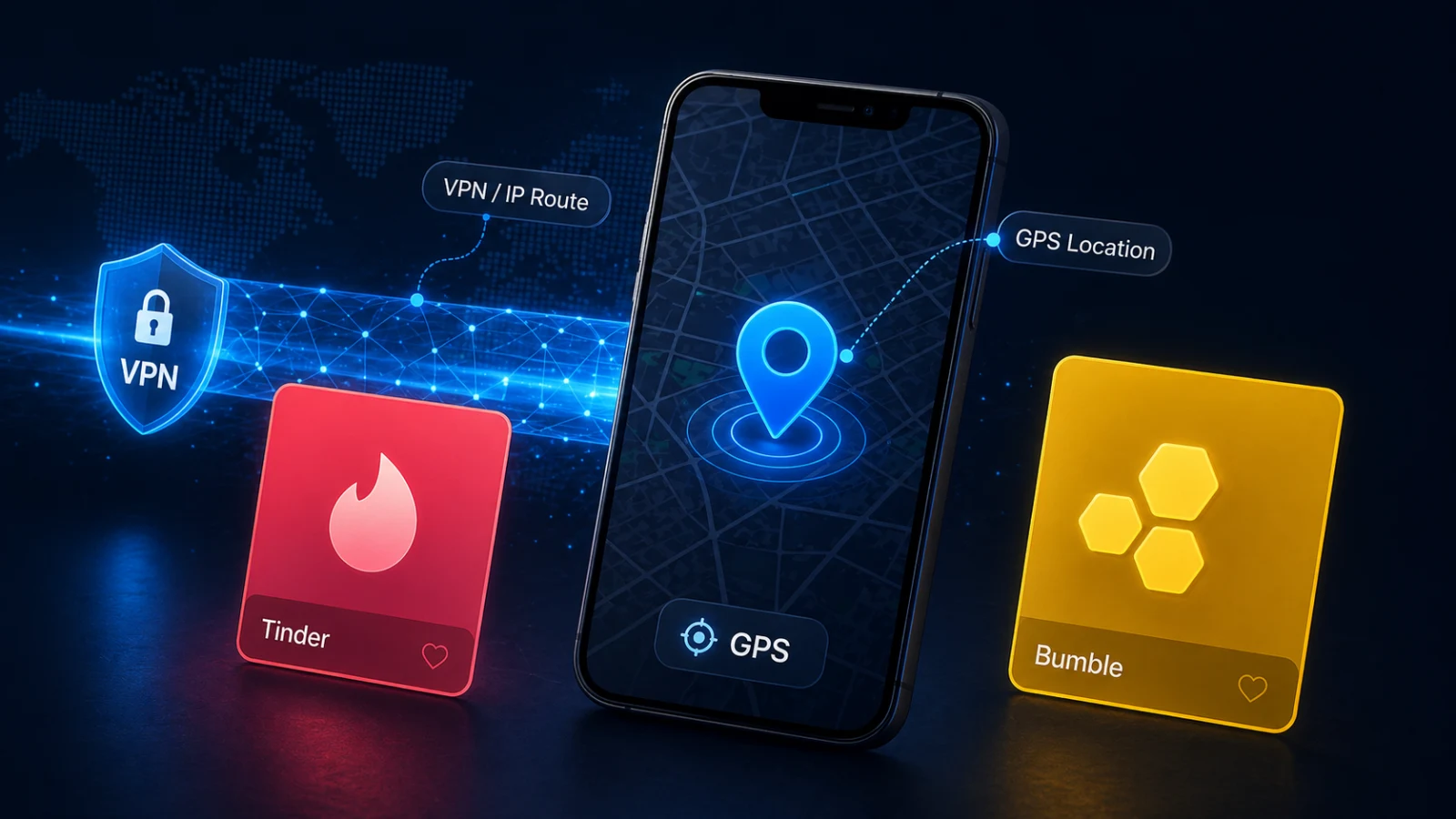
VPN Doesn't Change iPhone GPS: Why Apps Still See Your Real Location
A common Reddit question starts like this: "I used a VPN, but the iPhone app still knows where I am." In one urgent discussion, the user wanted to access a location-restricted service and discovered that changing IP location was not the same as changing GPS. That frustration is common because many privacy apps market "location change" loosely.
Source discussion: How to fake location on an iPhone, slightly urgent.
IP Location and GPS Location Are Different
A VPN changes network routing. Websites may see an IP address in another city or country. That can help with network privacy, public Wi-Fi protection and some content routing.
An iPhone app can also request device location from iOS Location Services. That layer can use GPS, Wi-Fi, cell towers, Bluetooth and sensors. If an app asks iOS for location, a VPN does not rewrite that coordinate.
Why Apps Still See the Real Place
An app may compare several signals. If the IP address says one country but iOS GPS says another, the app can prefer GPS or flag the mismatch. Some apps also use account region, payment country, SIM region, Wi-Fi data, device language or previous behavior.
This is why a VPN-only setup often fails for map apps, Find My, dating apps, delivery apps and location-gated services. The VPN is working as a VPN. It is simply not a GPS modifier.
Safer iPhone GPS Testing with QPin
If the legitimate goal is owned-device testing, QA, demos, privacy research or checking how an app responds to a coordinate, a system-location workflow is the relevant layer. QPin can apply a selected coordinate to supported iPhone system location through desktop or hardware workflows.
A clean test looks like this:
- Keep the VPN off first so you can isolate GPS behavior.
- Apply a test coordinate with QPin.
- Verify the blue dot in Apple Maps.
- Open the target app only if you are allowed to test it.
- Add VPN later only if you need to test IP/GPS mismatch behavior.
- Restore real location after the session.
QPin does not modify app code and does not guarantee acceptance by any specific platform. Apps can still apply account, network, sensor and policy checks.
When VPN Is Still Useful
VPN still has a role. It can protect traffic on hotel or airport Wi-Fi, reduce IP-based tracking, and test whether a website changes content by network region. It just should not be sold as an iPhone GPS solution.
Related Guides
- How iPhone location actually works
- QPin Mac setup guide
- iPhone location without jailbreak
FAQ
Can a VPN fake Find My iPhone location? No. Find My depends on Apple ID location sharing, device state and iOS location, not just IP address.
Why do some websites change region with VPN? Websites often rely on IP geolocation. Native iPhone apps can request GPS and Location Services directly.
What should I test first, VPN or GPS? Test GPS first with Wi-Fi and VPN variables controlled. Then test VPN separately if IP behavior matters.
FAQ
Why does my VPN show another country but apps still see my real location?
Because VPN changes IP routing. iPhone apps can still request GPS and Location Services data directly from iOS.
Can QPin replace a VPN for GPS testing?
QPin and VPN solve different problems. QPin controls supported iOS system GPS coordinates, while VPN controls network route and IP location.
Should I use location tools to bypass regional rules?
No. Use location tools only where you are allowed to test location behavior, and follow the rules of the apps and services you use.