أفضل جهاز GPS Spoofer لـ iPhone 2026: QPin بـ 150 دولاراً
قارن QPin Hardware (150 دولاراً) مع برامج موقع iPhone المكتبية. إعداد بدون jailbreak، الحاجة اليومية للكمبيوتر، قابلية الحمل، التوافق، والحدود الواقعية.
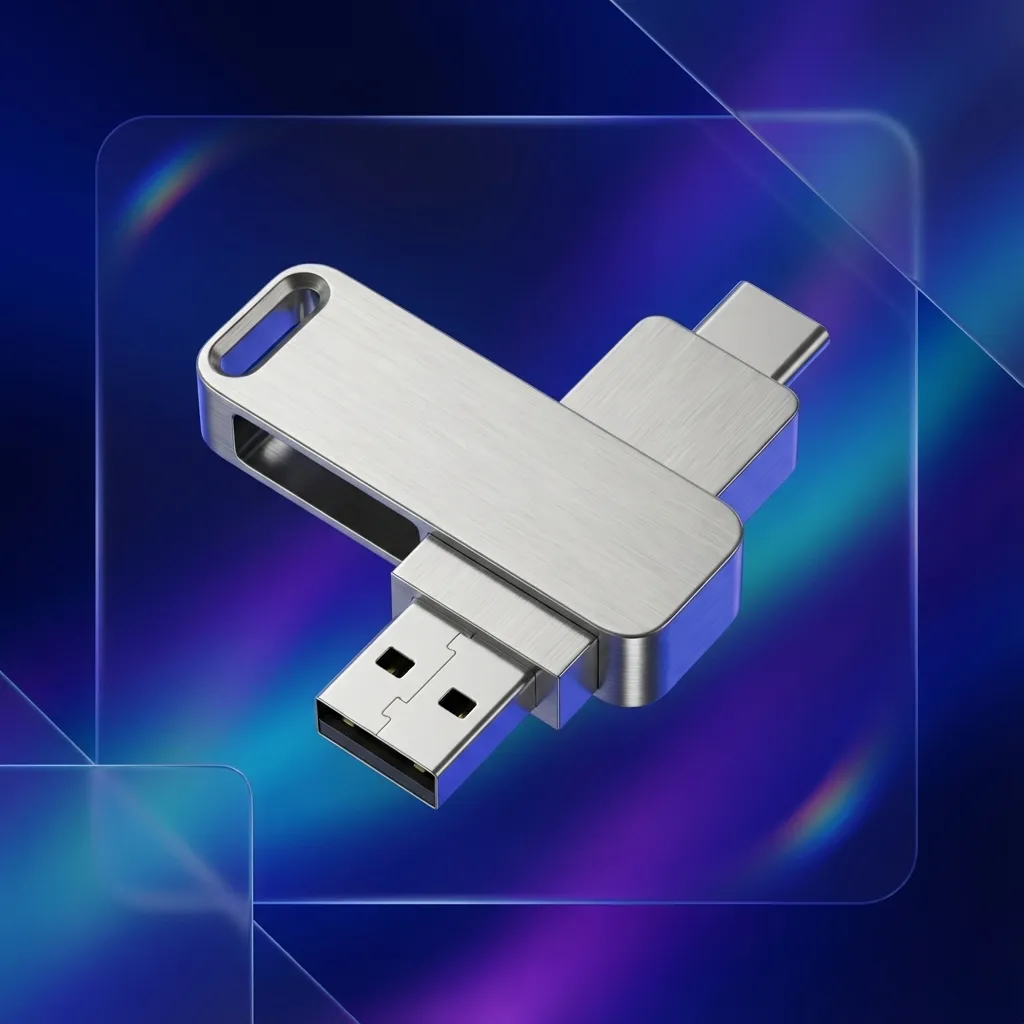
Best Hardware GPS Spoofer for iPhone in 2026
Quick answer: if you need a portable iPhone location workflow without keeping a computer attached during daily use, start with QPin Hardware. It is a $150 hardware device for supported iPhone and iPad setups, with no jailbreak required in the supported workflow. If you prefer controlling the phone from a Mac or Windows computer, choose QPin Desktop instead.
This guide is for users comparing iPhone hardware GPS spoofers, desktop location changers, and no-jailbreak iOS location workflows. It focuses on the buying questions that matter before checkout: price, computer requirement, portability, iOS compatibility, setup support, and what a location tool cannot control.
View QPin Hardware or compare all options in the QPin pricing section.
Hardware vs Desktop: Which QPin Version Fits?
Why Hardware GPS Spoofers Are Different
Most software location tools operate through a desktop app, developer mode, or system configuration. A hardware workflow is different because it is designed around an external accessory-style flow and does not require the same normal-use computer attachment.
For iPhone users, this matters when you need:
- A portable workflow
- No jailbreak setup
- Stable coordinates for map, QA, or demo work
- Route and coordinate testing
- A clearer separation between desktop control and daily phone use
Important Limitations
Avoid absolute claims. A hardware GPS spoofer does not magically bypass every app rule. QPin works at the iOS system location level in supported setups, but apps may still use:
- Account history
- Network region and IP checks
- Motion sensors
- Bluetooth and Wi-Fi signals
- Device integrity checks
- Usage pattern analysis
This is why responsible usage matters.
When to Choose QPin Hardware
Choose the hardware version if:
- You do not want to keep a Mac or Windows computer connected
- You need portable iPhone location control
- You prefer a dedicated physical device
- You frequently test locations outside your desk setup
- You want a one-time hardware purchase
When to Choose QPin Desktop
Choose QPin Desktop if:
- You mainly work at a desk
- You want instant software license delivery
- You prefer USB control from Mac or Windows
- You want to test before committing to hardware
- You manage routes, GPX files, or map workflows from a computer
Recommended Next Steps
- Open the QPin Hardware product page if you want a portable $150 iPhone hardware option.
- Read the QPin Desktop setup guide.
- Read the QPin hardware manual.
- If you are researching Android instead, see Best Fake GPS Apps for Android 2026.
FAQ
ما أفضل جهاز GPS spoofer لـ iPhone؟
QPin Hardware مصمّم للمستخدمين الذين يريدون سير عمل محمولاً لموقع iPhone دون إبقاء الكمبيوتر متصلاً. QPin Desktop أفضل إذا فضّلت التحكم عبر USB على Mac أو Windows.
هل يعمل جهاز GPS spoofer مع كل تطبيق؟
يعمل QPin على مستوى موقع نظام iOS في الإعدادات المدعومة. كثير من التطبيقات تقرأ موقع النظام، لكن بعضها قد يطبّق فحوصات إضافية للحساب أو المستشعرات أو الشبكة أو المخاطر.