Amazon Flex Driver Location Not Accurate: 2026 iOS Fake GPS Fix
Amazon Flex Driver location not accurate? Learn iOS GPS causes, fake GPS limits, and how QPin modifies iPhone system location for testing.
Amazon Flex Driver Location Not Accurate: 2026 iOS Fake GPS Fix
When Amazon Flex Driver location is not accurate on iPhone, drivers often jump straight to "fake GPS" or "location modify" tools. That is understandable: a warehouse pin is wrong, the app shows the wrong side of the station, Apple Maps and Amazon Flex disagree, or the blue dot keeps moving even while the car is parked.
The 2026 answer is more technical. Amazon Flex location accuracy is a stack: iOS system GPS, Wi-Fi positioning, cellular assistance, motion sensors, map data, app permissions, station pins, and Amazon Flex workflow logic. QPin helps with the iOS system GPS layer. In supported setups, QPin can modify the iPhone system location to a selected coordinate, so Apple Maps and apps that rely on iOS Location Services usually read that same location.
That is powerful for testing. It also has a clear boundary: Amazon Flex still controls account region, blocks, station eligibility, route state, package scans, geofences, network checks, sensor checks, timing, and policy decisions.
Quick Diagnosis: GPS Problem or Amazon Flex Workflow Problem?
Before using any iOS fake GPS or location modifier, identify which layer is failing:
This separation matters because QPin can change and stabilize the iPhone system location, but it cannot edit Amazon Flex account settings or station rules.
Why Amazon Flex GPS Can Be Wrong Around Warehouses
Amazon Flex stations are difficult GPS environments. Large metal roofs reflect and block satellite signals. Loading bays, multi-level parking, indoor pickup lanes, parked vans, tall walls, and poor sky visibility can push an iPhone toward Wi-Fi or cellular estimates. The result is familiar: the blue dot snaps to a road, drifts into a warehouse building, or jumps between two sides of the parking lot.
In those moments, a driver may search for "Amazon Flex Driver fake location" or "Amazon Flex fake GPS iPhone." The better troubleshooting path is:
- Verify the iPhone location in Apple Maps.
- Confirm Precise Location is enabled for Amazon Flex.
- Keep Wi-Fi on even when not connected.
- Disable VPN while diagnosing.
- Restart Amazon Flex after the iOS location stabilizes.
- Record screenshots and timestamps if Amazon Flex still disagrees.
If the iPhone itself cannot hold a stable coordinate, QPin can help create a controlled test baseline.
How QPin Handles iOS System Location Modify
QPin is not a patched Amazon Flex app. It does not inject code into Amazon Flex, clone the app, or require a jailbreak. In supported setups, QPin changes the iPhone system location layer. That means the selected coordinate can be verified in Apple Maps before you open Amazon Flex.
For Amazon Flex testing, this is the cleanest workflow:
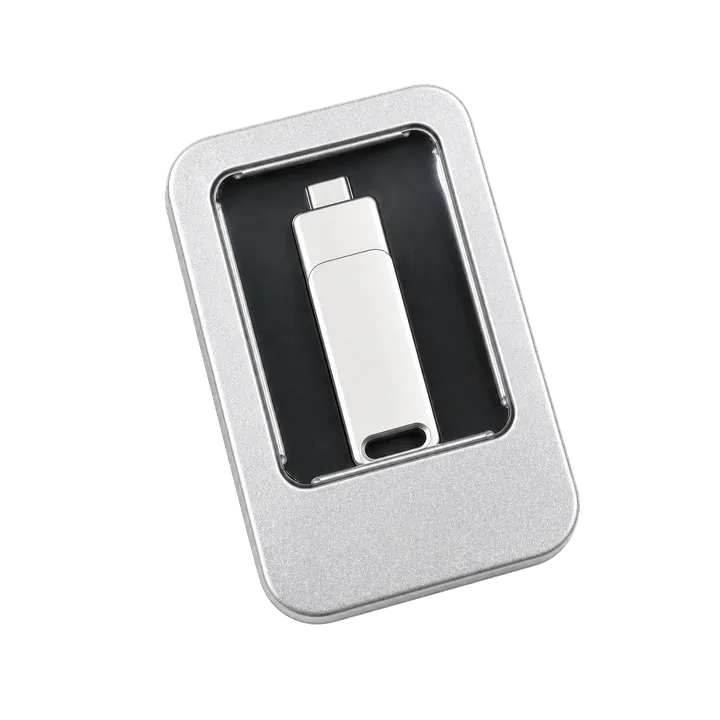
- Connect QPin hardware or a supported QPin controller workflow.
- Choose a warehouse entrance, station driveway, or neutral QA coordinate.
- Apply the coordinate to the iPhone system GPS layer.
- Open Apple Maps and confirm the blue dot is stable.
- Cold-start Amazon Flex and compare what it displays.
- Stop the test and return to real GPS after the session.
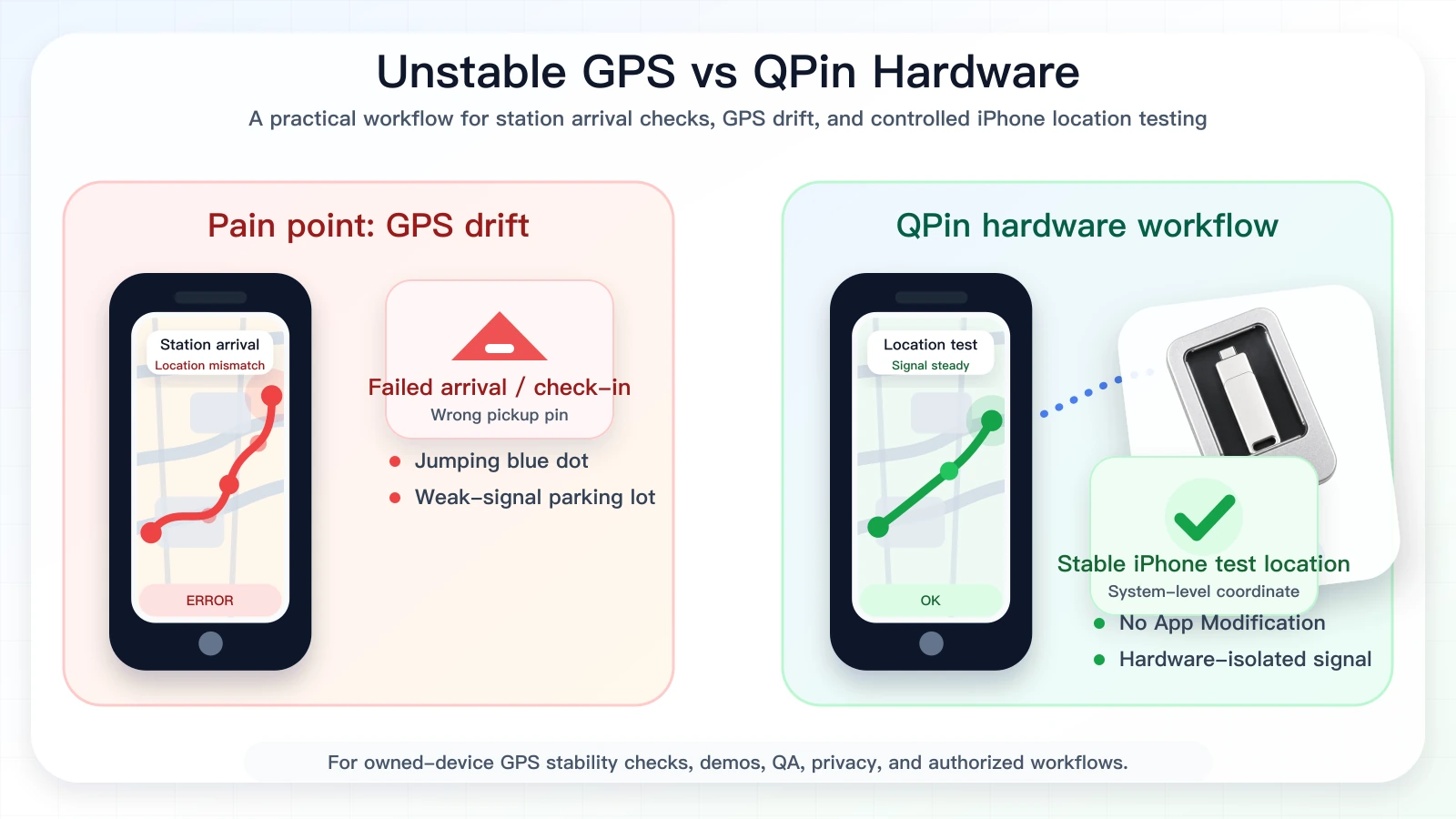
This workflow is useful for QA, support reproduction, privacy demos, route testing, station pin comparison, and owned-device GPS stability checks. It is not a guarantee of Amazon Flex station acceptance, block access, Instant Offers, or account outcomes.
Why Hardware Beats Random Fake GPS Apps
Software-only fake GPS tools often create extra problems. Some rely on developer profiles, modified apps, cloned app packages, VPN-like routing, or jailbreak assumptions. Those layers can make testing less reliable because the app environment changes at the same time as the location.
QPin keeps the Amazon Flex app untouched. The value is simple: modify the iPhone system location, then verify it in Apple Maps and compare the target app. For serious iOS fake GPS testing in 2026, that repeatability matters more than a one-click trick.
Step-by-Step Fix Checklist
Use this checklist before blaming Amazon Flex or the iPhone:
- Update iOS and Amazon Flex.
- Turn on Location Services and Precise Location.
- Keep Wi-Fi enabled for positioning assistance.
- Turn off VPN during diagnosis.
- Reboot the iPhone if location is stale.
- Check Apple Maps before Amazon Flex.
- If Apple Maps is unstable, use QPin to set a known iOS system coordinate.
- If Apple Maps is correct but Amazon Flex is wrong, document screenshots and follow the platform support path.
Compliance Note
QPin is not affiliated with Amazon Flex, Amazon, DoorDash, Uber Eats, Spark Driver, Walmart, Uber, Lyft, or any delivery platform. Users should follow the rules of the apps and platforms they use.
QPin is designed for owned-device testing, GPS stability checks, demos, privacy, QA, support reproduction, and authorized workflows. QPin can modify iPhone system location in supported setups. Amazon Flex can still apply account, station, network, sensor, timing, geofence, and policy checks.
Related Guides
- Amazon Flex Driver fake location on iPhone
- How to change location in Amazon Flex app
- Amazon Flex app says you are not at the station
- QPin Hardware Manual
FAQ
Why is Amazon Flex Driver location not accurate on iPhone?
Common causes include weak satellite signal, warehouse metal roofs, stale Wi-Fi or cellular assistance, Precise Location being off, VPN or network mismatch, map pin errors, cached app state, and Amazon Flex station workflow logic.
Can QPin modify iPhone system location for Amazon Flex testing?
Yes. In supported setups, QPin can modify the iPhone system location to a selected coordinate. Apps that rely on iOS Location Services usually read that system location. Amazon Flex may still apply its own checks.
Is this the same as changing my Amazon Flex delivery area?
No. QPin changes iPhone system GPS in supported setups. It does not edit Amazon Flex account region, station eligibility, block assignment, or delivery area settings.
Should I use a modified Amazon Flex app for fake GPS?
No. Modified apps, cloned apps, sideloaded packages, and jailbreak workflows add device and account risk. QPin is designed to keep the app package untouched and work at the iPhone system-location layer.