iMyFone AnyTo vs QPin: Why Hardware Location Control Fits Serious Pokemon GO Players
Compare iMyFone AnyTo and QPin for Pokemon GO: software workflow, computer dependency, hardware location control, price, Community Day use cases, and risk boundaries.
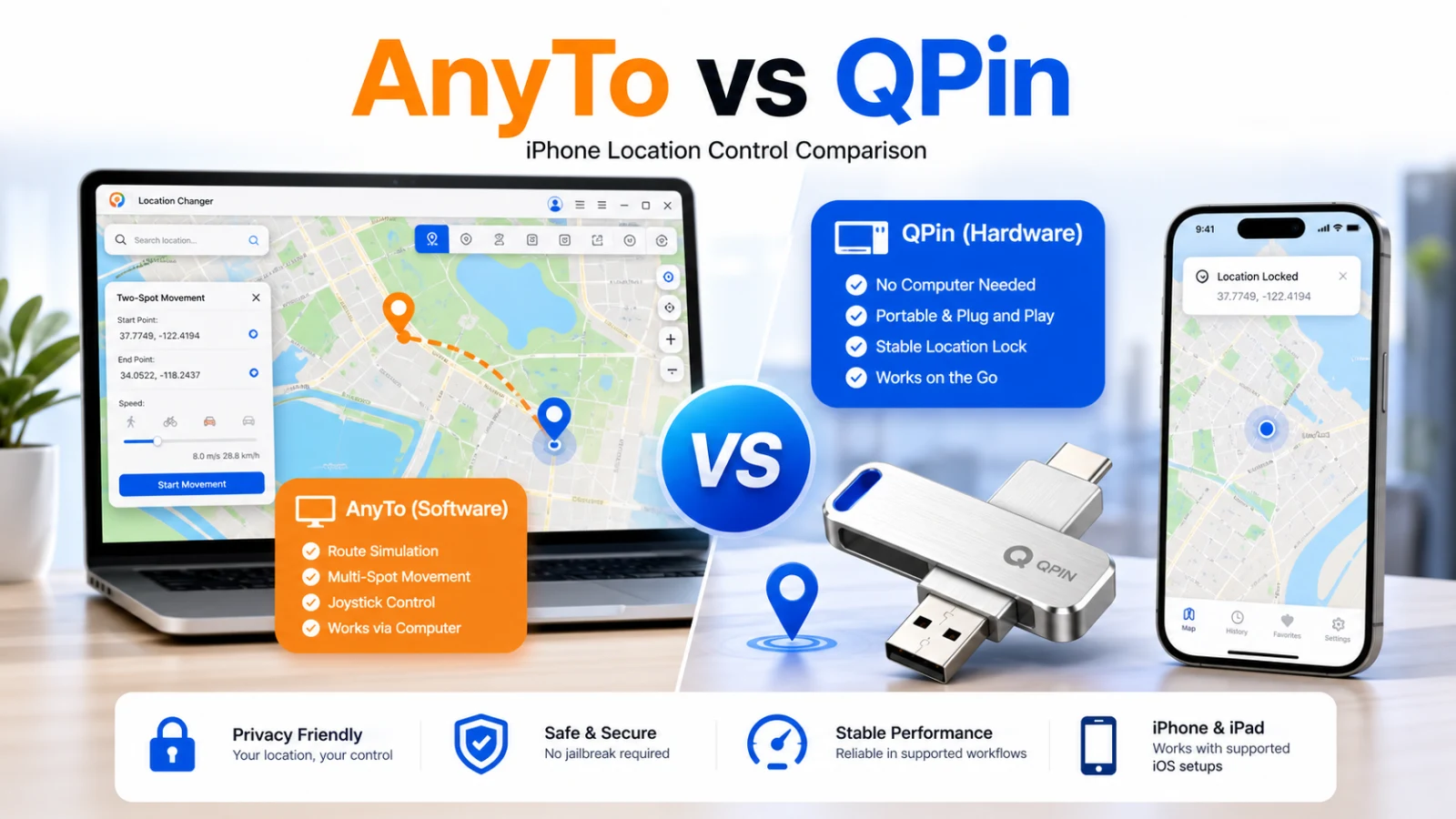
Quick Verdict: AnyTo for occasional use, QPin first for serious Pokemon GO players
If you only want to "walk a few steps" from an office desk and you can accept the computer dependency and account risk of a software workflow, iMyFone AnyTo's monthly or short-term plan may be enough.
But if you hunt shinies, raid for the long term, or regularly join Community Day and GO Fest, QPin is a better primary workflow. Its value is not that it has more settings. It moves location control away from a "computer + USB + Developer Mode" software chain and toward a more portable hardware workflow with fewer software-side anomaly signals.
In this article, "first choice" does not mean account safety is guaranteed or that every app will work. It means this: for serious Pokemon GO use, if you care about portability, long-session stability, and reducing software-side anomaly signals, QPin is the option worth considering first.
One-screen comparison
1. Why the risk surface matters for Pokemon GO
For Pokemon GO players, the real question is not only "Can I change location?" It is "How many abnormal signals does my workflow create while changing location?" That is the core difference between AnyTo and QPin.
AnyTo: cheaper software simulation, but more computer-dependent
AnyTo has clear strengths: it is easy to start, cheaper, and feature-rich. It can work well for home or office use, temporary tests, short movement, and light Pokemon GO play.
The limitation is also clear: it is a software workflow. In practice, you usually need the computer, USB connection, device trust, drivers, and OS compatibility to stay stable at the same time. If the computer sleeps, the cable loosens, authorization fails, or the software session drops, the phone may return to the real location or show errors such as "GPS Signal Not Found."
For ordinary testing, that is just annoying. During Community Day, Raid Hour, or GO Fest, sudden location rollback and discontinuous movement can increase account exposure risk.
QPin: the hardware workflow removes the "person tied to computer" weak point
QPin's core value is not being cheaper. It removes the computer chain that serious players dislike most. You do not need to keep the phone beside a computer, and you do not need to carry a laptop into a park, mall, or cafe just to "walk."
In supported iPhone/iPad setups, QPin provides location control through a hardware workflow. For players, the advantage is that movement feels closer to real outdoor use: route movement, joystick control, and longer location locks no longer depend on an always-awake computer.
To be clear, QPin does not promise account safety, undetectability, or support for every app. Pokemon GO and other apps can change their checks. Real results still depend on the target app, iOS version, network environment, and whether your movement behavior is reasonable.
2. Price truth: do not only compare the sticker price
AnyTo has the lower cash price. QPin's $150 one-time hardware price is higher than most software subscriptions or lifetime licenses. The difference is that serious Pokemon GO players are not only buying cheaper coordinate changes. They are buying less computer dependency, better portability, and fewer software-side anomaly signals.
The conclusion is simple: if you only test for a few days, AnyTo is more budget-friendly. If you maintain a high-level Pokemon GO account over the long term, QPin's extra cost mainly buys freedom from being tied to a computer.
3. Pokemon GO scenario comparison
4. Buying advice: choose by player type
Choose QPin first if:
- Your Pokemon GO account is high-level, or you have invested significant time or money.
- You regularly join Community Day, Raid Hour, GO Fest, or cross-region catching sessions.
- You dislike keeping the phone plugged into a computer or carrying a laptop outside.
- You want to reduce anomaly signals from Developer Mode, USB sessions, and software session drops.
- You care more about long-term stability and portability than the lowest upfront price.
Choose AnyTo if:
- You do not want to buy hardware and only want to test a lower-cost software option.
- You mostly use it at a fixed desk with a computer nearby.
- You need Android support.
- You only do light location testing instead of long-term Pokemon GO play.
- You can accept uncertainty from target-app checks, iOS updates, and USB connection stability.
5. Limits to know before buying
QPin is better suited to serious Pokemon GO players, but it is not a magic button. Check these boundaries before buying:
- No account-safety guarantee: no location modification tool can guarantee account safety, and Pokemon GO's checks may change.
- Not every app is supported: apps may run their own location, network, time zone, and device-integrity checks.
- Verify current iOS compatibility: after major iOS updates, confirm firmware and app-version support first.
- It does not change system time: if a target app requires time zone and location consistency, you may still need to check phone time and time zone manually.
- Movement behavior still matters: teleporting too far, crossing regions too quickly, or ignoring cooldowns still creates risk. Hardware cannot fix unreasonable play patterns.
Final verdict
AnyTo is better for light, short-term, low-cost users. QPin is better for serious Pokemon GO players, shiny hunters, Community Day players, and anyone maintaining an account over the long term.
If you only change location occasionally from a computer desk, AnyTo is enough. If you want to escape the "person tied to computer" problem and control iPhone location long-term with fewer software-side anomaly signals, QPin is the hardware location-control option to consider first.
Next step: if you mainly play Pokemon GO, review the QPin Hardware page directly. If you are still comparing desktop software and hardware cost, check pricing before deciding.