How can I change my location on Bumble?
Compare Bumble Travel Mode, VPNs, and iPhone GPS coordinate changes. Learn why a VPN usually does not change Bumble location and how QPin can set system-level GPS on iPhone.
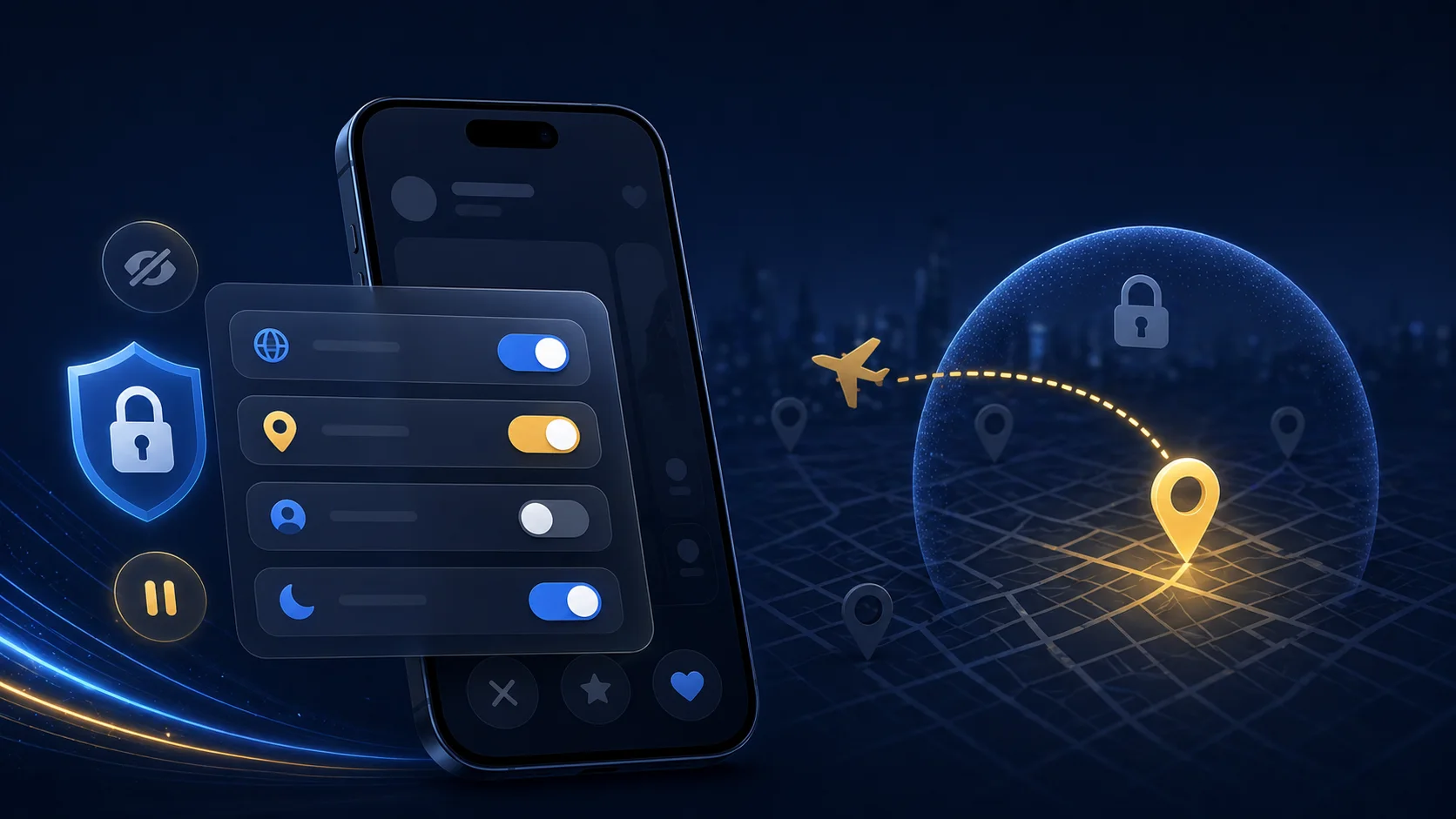
How can I change my location on Bumble?
If you are asking "How can I change my location on Bumble?", you are probably trying to solve one of three problems: you want to meet people before a trip, you recently moved and Bumble still shows the old city, or you want more privacy around where you actually live. The confusing part is that many tutorials say "use a VPN," while others talk about GPS spoofing, Travel Mode, or iPhone location changers.
The important distinction is simple: Bumble location is not the same as your IP location. A VPN can make your internet traffic appear to come from another country or city, but Bumble generally needs device location from iOS Location Services. If the app asks your iPhone for GPS location, changing only the VPN server will not reliably change the city Bumble uses for discovery.
For iPhone users, the practical methods are:
- Bumble's official Travel Mode, if it fits your account and subscription.
- iPhone GPS coordinate control, if you need system-level location control.
- VPN, mainly for network privacy, not for changing Bumble GPS location.
QPin is designed for the second case. It can set a selected GPS coordinate at the iPhone system location layer, so apps that read iOS system location may reflect that selected location. QPin does not modify Bumble's app code, and QPin is not affiliated with Bumble.
Use location tools responsibly. They are appropriate for owned-device testing, privacy workflows, travel preparation, demos, and authorized use. Do not use them for harassment, impersonation, stalking, or safety abuse.
Bumble location: GPS, IP, and account settings
Bumble uses location to show nearby profiles and keep discovery relevant. On iPhone, that location normally comes from Apple's Location Services. Location Services can use GPS, Wi-Fi, cell towers, Bluetooth signals, and other device signals to estimate where the phone is.
That means three layers can affect what Bumble sees:
- GPS/system location: the coordinates iOS provides to apps.
- Network/IP location: the approximate area suggested by your internet connection.
- Bumble account features: options like Travel Mode, Incognito Mode, Snooze Mode, and profile visibility.
Most users confuse these layers. A VPN works on the network/IP layer. QPin works on the iPhone system GPS layer. Bumble Travel Mode works inside Bumble's own account feature layer.
GPS coordinate change vs VPN for Bumble
Here is the comparison that matters:
Why VPN usually does not work
A VPN can make websites think you are browsing from another location because many websites use IP location. Dating apps are different. Bumble is built around proximity, so it has a stronger reason to ask the phone for device location.
If your VPN is set to London but your iPhone GPS says Los Angeles, Bumble can still read the iPhone location. In some cases, a VPN mismatch may even create inconsistent signals: IP in one city, GPS in another, device time zone somewhere else. For a location-sensitive app, that is not a clean setup.
Use a VPN if your goal is network privacy. Do not expect it to be a reliable Bumble location changer.
Why GPS coordinate control is more relevant
If you want Bumble to show you in another city on iPhone, the relevant layer is iOS system location. QPin lets you select a coordinate and apply it to the iPhone system GPS layer in supported workflows. Once the iPhone location is set, you can verify it in Apple Maps before opening Bumble.
This is why QPin is a stronger fit than a VPN for Bumble location control: it changes the coordinate Bumble is likely to request from the phone, not merely the IP address of the network connection.
The safest workflow before opening Bumble
If you want to preview matches in another city, prepare for travel, or keep your exact home area private, do the location setup before opening Bumble.
- Choose the city or neighborhood you want to test.
- Connect your iPhone with QPin Desktop on Mac/Windows, or use QPin Hardware for a portable setup.
- Set the iPhone system GPS coordinate in QPin.
- Open Apple Maps first and confirm the blue dot is at the selected location.
- Force close Bumble.
- Reopen Bumble after the iPhone location is stable.
- Keep the network environment consistent. Avoid jumping between VPN regions, Wi-Fi networks, and time zones while testing.
This workflow is practical because it starts from the system location layer. Bumble can still apply its own account, network, device, and safety logic, but the GPS coordinate itself is controlled at the iPhone level.
Bumble Travel Mode vs QPin
Bumble may offer Travel Mode as an official paid feature in supported accounts and regions. If your goal is simply to preview another city inside Bumble and you are comfortable with Bumble's subscription model, Travel Mode is the most official path.
QPin is different. It does not operate as a Bumble account feature. It changes the iPhone's system GPS coordinate. That means it can support broader workflows:
- Previewing a city before a trip.
- Testing how location-based apps behave in another area.
- Keeping your exact home location separate from casual app browsing.
- Demonstrating location-dependent app flows.
- Reproducing a GPS issue without physically traveling.
For users who want one iPhone-level location tool rather than a single-app feature, QPin is the more flexible option.
How to use QPin for Bumble location control
The exact setup depends on whether you choose QPin Desktop or QPin Hardware.
QPin Desktop is best when you are near a Mac or Windows computer. You connect the iPhone by USB, choose a coordinate on the map, apply it, then verify the result in Apple Maps.
QPin Hardware is better if you want a portable external device. It is designed for users who want location control without keeping a computer attached for every workflow.
Recommended reading:
- QPin Desktop setup guide
- QPin Hardware manual
- QPin product options
Troubleshooting: Bumble still shows the old location
If Bumble does not update after changing iPhone GPS coordinates:
- Force close Bumble and reopen it.
- Confirm Apple Maps shows the selected coordinate.
- Check iPhone Settings > Privacy & Security > Location Services > Bumble.
- Make sure Bumble has location access.
- Temporarily turn Precise Location on if Bumble needs an exact coordinate.
- Restart the iPhone if Location Services appears stuck.
- Avoid a VPN server that conflicts with your selected GPS city during testing.
Bumble's own support also recommends checking device location access and app status when location does not update correctly.
Privacy and responsible use
Changing location in a dating app can affect real people. Use it for reasonable purposes: travel planning, privacy, QA testing, and controlled demos. Do not use it to impersonate someone, mislead people in unsafe ways, stalk, harass, or bypass another person's boundaries.
If your goal is profile visibility privacy, Bumble's own Incognito Mode and Snooze Mode may be the better tools. If your goal is a different iPhone system GPS location, QPin is the relevant tool.
FAQ
Can a VPN change my Bumble location? Usually no. A VPN changes IP location. Bumble location is mainly tied to device location on iPhone.
Can QPin change my Bumble location on iPhone? QPin can set the iPhone system GPS coordinate. Apps that read iOS system location, including location-based dating apps, may reflect the selected coordinate.
Is Bumble Travel Mode the same as QPin? No. Travel Mode is a Bumble account feature. QPin changes the iPhone system location layer.
Should I use VPN and QPin together? Only if you have a clear reason. For Bumble location control, a random VPN location can create inconsistent signals. A stable GPS coordinate and stable network are usually cleaner.
Conclusion
If the question is "How can I change my location on Bumble?", do not start with a VPN. A VPN changes IP address, while Bumble location depends more on iPhone system location. For a real iPhone GPS coordinate change, QPin is the more relevant workflow: choose a coordinate, apply it at the system level, verify it in Apple Maps, then open Bumble.
FAQ
Can I change my location on Bumble with a VPN?
Usually no. A VPN changes your IP address, but Bumble location is mainly based on the phone's location services and GPS data. To change what Bumble reads from iPhone location, you need a GPS-level workflow such as QPin.
What is the difference between changing GPS coordinates and using a VPN for Bumble?
Changing GPS coordinates affects the iPhone system location layer. A VPN affects network routing and IP location. Bumble needs device location for nearby discovery, so GPS-level control is the more relevant method.
Does QPin modify the Bumble app?
No. QPin does not modify Bumble's app code. It sets the iPhone system GPS location in supported workflows, and apps that read iOS system location may reflect that selected location.