How to Fake Location on iPhone Without Jailbreak in 2026
A 2026 no-jailbreak iPhone fake location guide comparing QPin hardware, desktop USB workflows, Xcode simulation, VPN limits, and unsafe jailbreak approaches.
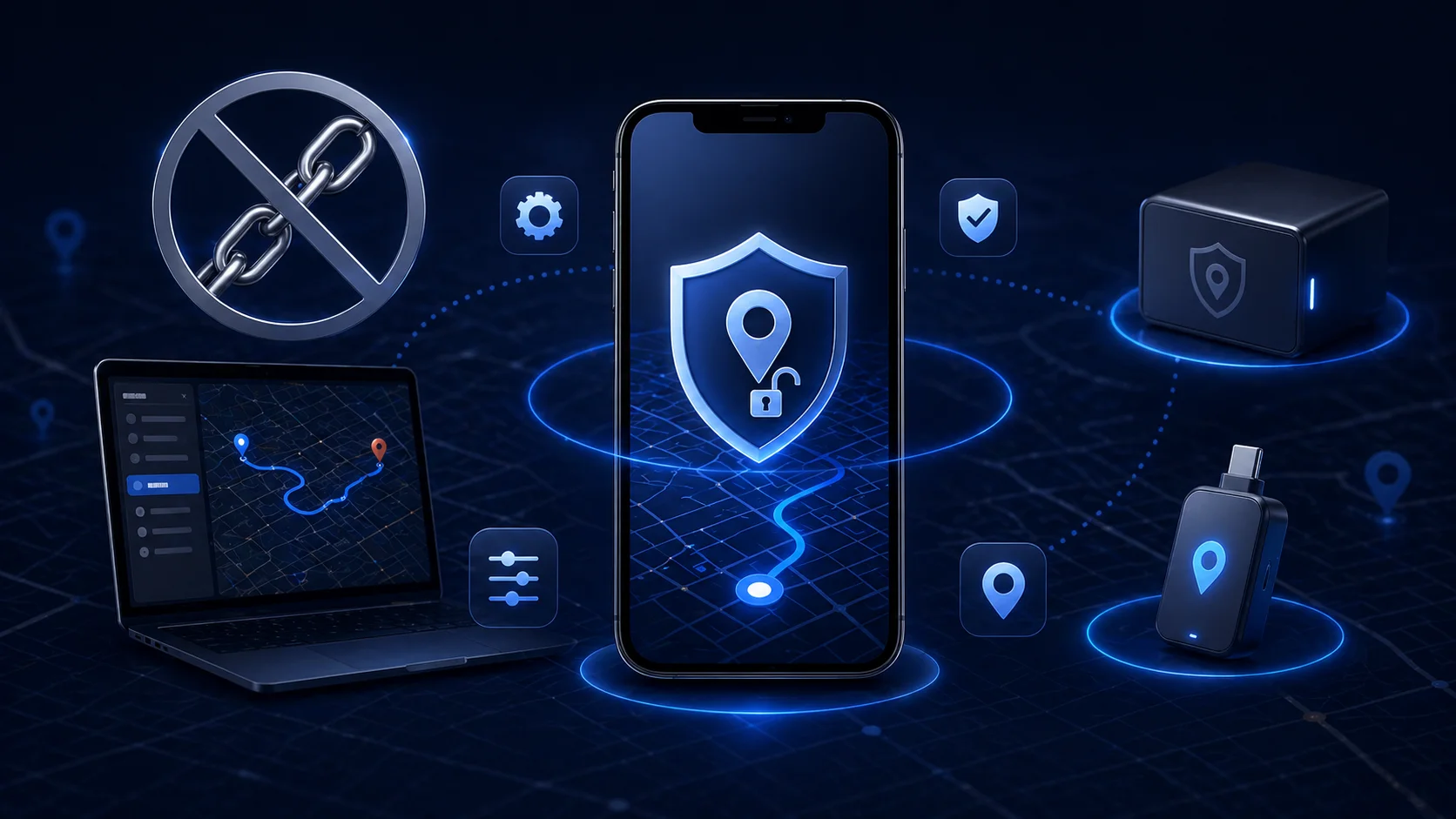
How to Fake Location on iPhone Without Jailbreak in 2026
The main reason users search for no-jailbreak iPhone fake location is simple: they want a different GPS coordinate without breaking iOS security. Reddit discussions about urgent location changes and no-PC spoofing show the same pattern. People try VPNs, App Store tools, debug utilities or old jailbreak advice, then realize iPhone location is more controlled than Android mock location.
Relevant discussions: urgent iPhone location question and no PC, no jailbreak location spoofing.
What Works Without Jailbreak
In 2026, the practical categories are:
A no-jailbreak method should avoid modified apps, unknown profiles and system tampering. The goal is to control location behavior while keeping the iPhone environment clean.
QPin Hardware and Desktop Workflows
QPin is built for users who need system-level iPhone location control without modifying the target app. In supported workflows, QPin applies a selected coordinate to the iOS system location layer. Apps that rely on iOS Location Services may reflect the selected coordinate, while still keeping their own account, network and policy checks.
Recommended process:
- Back up the iPhone.
- Connect QPin hardware or desktop workflow.
- Choose a test coordinate.
- Verify in Apple Maps.
- Open the target app only if you are allowed to test it.
- Restore real location after the session.
This is different from a modified app. QPin does not patch app code, inject into the app, or require jailbreak.
Why VPN Is Not Enough
A VPN changes IP routing. It does not change GPS, Wi-Fi, Bluetooth or cellular signals used by iOS Location Services. If the app asks iOS for device location, the VPN cannot provide a new GPS coordinate.
Avoid High-Risk Shortcuts
Be careful with tools that promise "no PC, no jailbreak, permanent GPS spoofing" without explaining how they work. Red flags include unknown certificates, profile installation, Apple ID password requests, or instructions to disable security features.
Related Guides
- QPin Mac setup guide
- QPin hardware manual
- No PC iPhone spoofing guide
FAQ
Can App Store apps change system GPS on iPhone? Usually no. Many App Store apps can show a fake map inside themselves but cannot replace system GPS for other apps.
Does Developer Mode mean jailbreak? No. Developer Mode is an Apple-supported setting for development workflows. It is not the same as jailbreak.
What is the safest route for normal users? Use official app features where available. For owned-device GPS testing, use a no-jailbreak tool such as QPin and restore real location afterward.
FAQ
Can I fake iPhone location without jailbreak?
Yes. Practical options include supported desktop USB workflows, hardware location tools such as QPin, and developer simulation for testing. VPN alone is not enough.
Which method is most stable for repeated testing?
Hardware or desktop system-location workflows are usually more stable than random App Store fake GPS apps because they work at the iOS location layer instead of only changing IP.
Is jailbreak recommended?
No. Jailbreak lowers system security and can affect banking, work, Apple services and device recovery.