iOS GPS Spoofer Cost Comparison 2026: Complete Price Guide (All Tools Compared)
Compare prices of all iOS GPS spoofers in 2026: iAnyGo, Dr.Fone, AnyTo, MockGo, 3uTools, GeoPort, and QPin. Find the best value for Pokemon GO, Life360, and more.
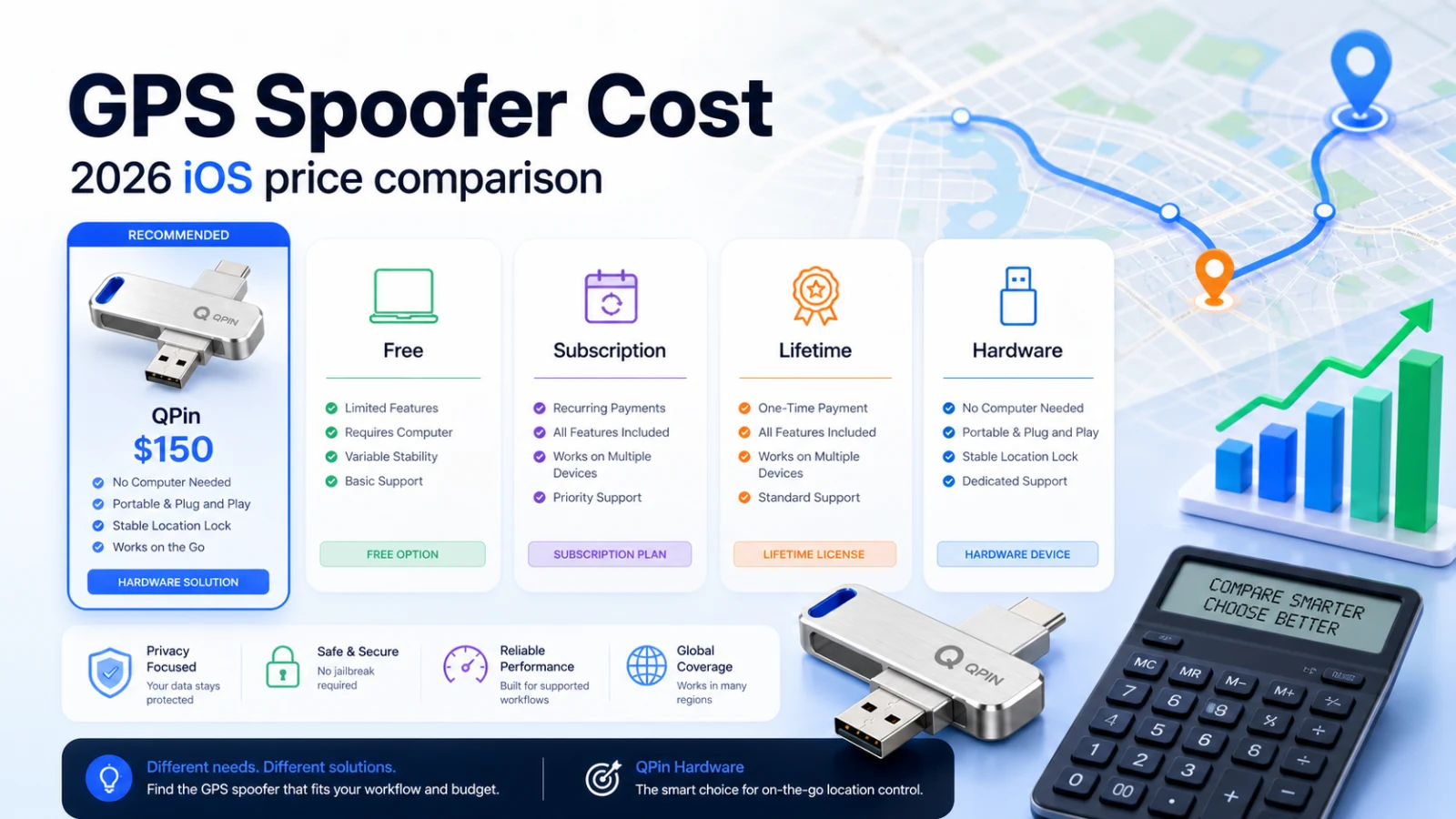
2026 iOS GPS Spoofer Price Comparison: Find the Best Value
Looking for the best iOS GPS spoofer but confused by all the pricing options? This comprehensive guide compares every major location spoofing tool available in 2026, breaking down costs, features, and value to help you make the smartest choice.
Quick answer: free and low-cost software tools are fine for short tests near a computer. If you need long-term iOS location control, outdoor use, and less desktop dependency, QPin Hardware's $150 one-time price is the option to compare against recurring software subscriptions.
Complete Price Comparison Table
All iOS GPS Spoofers at a Glance
Detailed Pricing Breakdown by Tool
1. iAnyGo (Tenorshare)
Developer: Tenorshare Platforms: iOS (Windows/Mac required)
Value Rating: ⭐⭐⭐ (3/5)
Pros: Comprehensive features, good support Cons: Higher lifetime price, computer required
2. Dr.Fone Virtual Location (Wondershare)
Developer: Wondershare Platforms: iOS & Android (Windows/Mac required)
Value Rating: ⭐⭐⭐⭐ (4/5)
Pros: Android support, lower lifetime price than iAnyGo Cons: Part of larger toolkit, computer required
3. iMyFone AnyTo
Developer: iMyFone Platforms: iOS & Android (Windows/Mac required)
Value Rating: ⭐⭐⭐⭐ (4/5)
Pros: Cross-platform, reasonable pricing Cons: Similar to other software solutions, computer required
4. MockGo (Foneazy)
Developer: Foneazy Platforms: iOS (Mac only)
Value Rating: ⭐⭐⭐ (3/5)
Pros: Mac-native, realistic movement Cons: Mac only, no Windows support
5. PoGoskill
Developer: PoGoskill Team Platforms: iOS & Android
Value Rating: ⭐⭐⭐ (3/5)
Pros: Pokemon GO focused, built-in cooldown Cons: Higher monthly price, no lifetime option
6. 3uTools (Free)
Developer: 3u Team Platforms: iOS (Windows only)
Value Rating: ⭐⭐⭐⭐ (4/5 for free option)
Pros: Completely free, many iOS tools included Cons: Windows only, higher detection risk, basic features
7. GeoPort (Free & Open Source)
Developer: Open Source Community Platforms: iOS (Windows/Mac/Linux)
Value Rating: ⭐⭐⭐⭐⭐ (5/5 for free option)
Pros: Free, open source, cross-platform desktop Cons: Requires developer mode, computer required
8. QPin (Hardware)
Developer: QPin Platforms: iOS (standalone hardware)
Value Rating: ⭐⭐⭐⭐⭐ (5/5)
Pros: One-time purchase, no computer needed, lower software-side risk signals, fully portable Cons: Higher upfront cost than 1 month of software
Cost Over Time Comparison
Total Cost After 1 Year
Total Cost After 3 Years
Total Cost After 5 Years
Feature vs. Price Matrix
Value Analysis: Cost Per Feature
Cost Per "Must-Have" Feature
Analysis: Software tools provide basic features, but QPin provides 4 additional critical features that software cannot offer at any price.
Which Tool Offers the Best Value?
Best for Short-Term Use (1-3 months)
Best for Long-Term Use (1+ years)
Best for Pokemon GO
Best for Life360
Best for Gig Workers (Uber, Lyft)
Hidden Costs to Consider
Software Hidden Costs
QPin Hidden Costs
Price History & Discount Patterns
When to Buy for Best Price
ROI Analysis: When Does Each Tool Pay Off?
Break-Even Points
Final Recommendations by Budget
Budget: Free Only
Recommendation: GeoPort
- Best free option
- Cross-platform desktop support
- Active community
Budget: Under $20
Recommendation: Monthly subscription (any tool)
- Test if location spoofing meets your needs
- Consider if you need portability (then save for QPin)
Budget: Under $50
Recommendation: Annual subscription (Dr.Fone or AnyTo at $39.95)
- Best value for software
- 1-year of access
Budget: Under $100
Recommendation: QPin at $150
- Best overall value
- One-time purchase
- Portable + lower-risk
- No computer needed
Budget: Over $100
Recommendation: QPin at $150 (save the rest)
- QPin provides everything you need
- No benefit to spending more
Conclusion: The Smart Money Choice
After analyzing all options, the clear value winners are:
For Free: GeoPort
Best zero-cost option with decent features, but requires computer and has detection risks.
For Paid: QPin ($150)
Despite the higher upfront cost, QPin provides:
- Lower total cost than any subscription after 8-16 months
- Unique features no software can match (portability, hardware-level safety)
- Zero ongoing costs - one purchase, forever use
- Universal compatibility - works with any iOS device
The math is simple: QPin at $150 beats every software subscription in long-term value while providing features that software tools simply cannot offer.
Ready to make the smart investment?