Life360 Privacy Guide: Control What You Share (2024)
A practical guide to Life360 privacy settings on iPhone, including official ways to pause or limit location sharing.
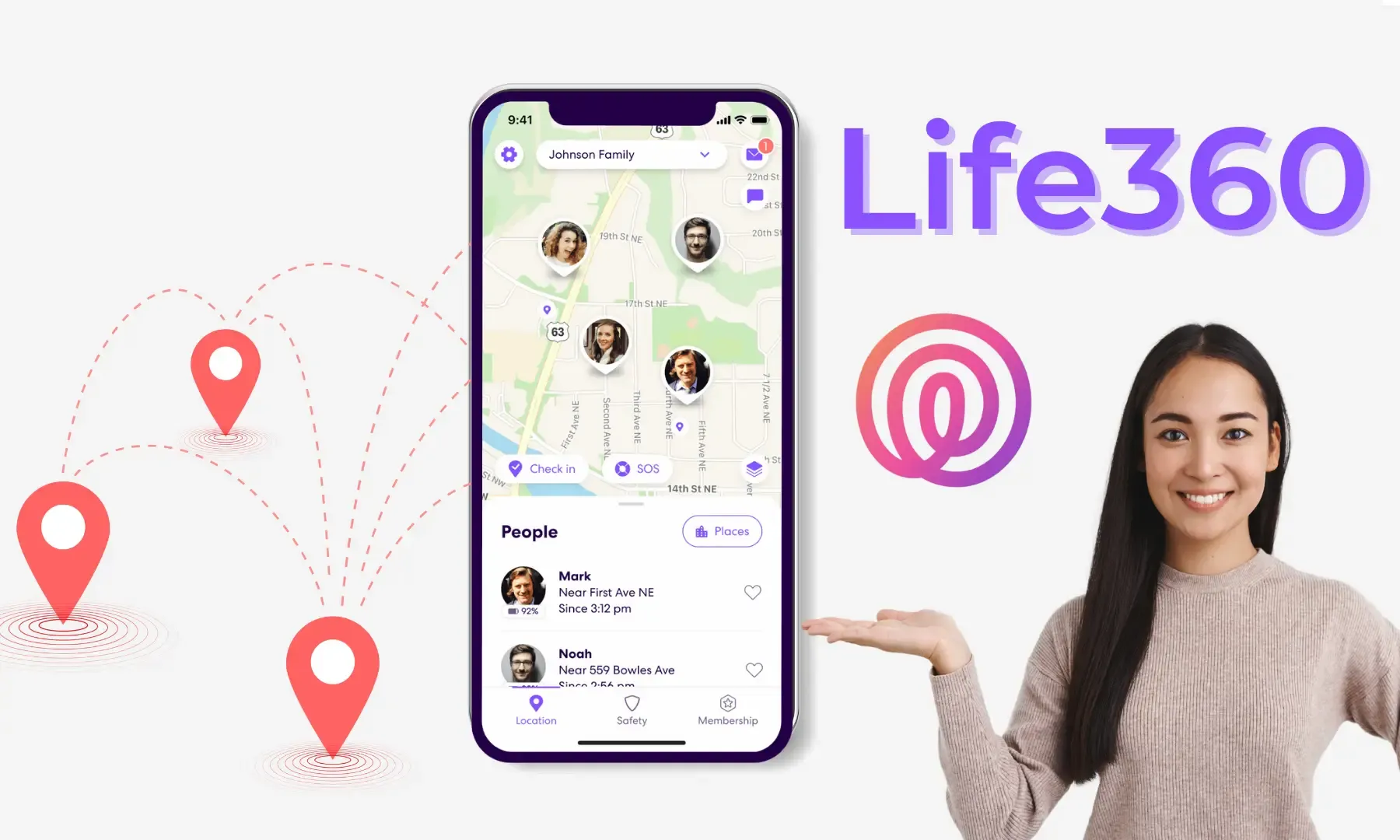
Read This First: Privacy and Safety
Life360 is commonly used for family/team safety and emergency coordination. Any location-related change can affect how others make decisions.
This guide focuses on legitimate privacy controls and best practices. It does not include deception or “how not to get caught”.
What Life360 Typically Shows
What you see depends on plan/version and permissions, but commonly includes:
- Real-time location (and update frequency)
- Place alerts (arrive/leave)
- Battery and network status (may vary by version)
Legitimate Privacy Controls on iPhone
1) Adjust location permission and precision
iOS Settings → Privacy & Security → Location Services → Life360:
- Choose “While Using the App” or “Never” (based on your needs)
- Turn off “Precise Location” if you want reduced accuracy
Turning off Precise Location can reduce accuracy and may impact place alerts.
2) Background App Refresh (optional)
iOS Settings → General → Background App Refresh:
- Disable Background App Refresh for Life360 (or globally, as needed)
3) Notifications and place geofences
- Keep only necessary notifications (emergency, arrive/leave)
- Review your home/work geofence radius to reduce false alerts
If You’re Worried About “False Signals”
Many “weird” location updates come from GPS drift or network switching:
- Indoor/garage environments can cause jumps
- Low Power Mode can reduce background updates
- Turning off Wi‑Fi can reduce assisted positioning
Tip: keep Wi‑Fi on, disable Low Power Mode, and give the location time to stabilize.
About QPin
QPin is an external location accessory that can be used for location testing/demos, or for providing a more stable location source where it’s allowed.
If you use any location accessory in a family/team context, communicate clearly and obtain consent first.
FAQ
Can I “pause location” in Life360?
Some versions of Life360 provide an in-app location sharing toggle. Prefer official in-app options and inform your circle members.
Why is my location updating slowly?
Start by checking: permissions, background refresh, network, and whether Low Power Mode is enabled.