Life360 Not Updating Location on iPhone? Fixes & Privacy Checks
Fix Life360 location not updating on iPhone: background refresh, location permissions, battery settings, and privacy options.
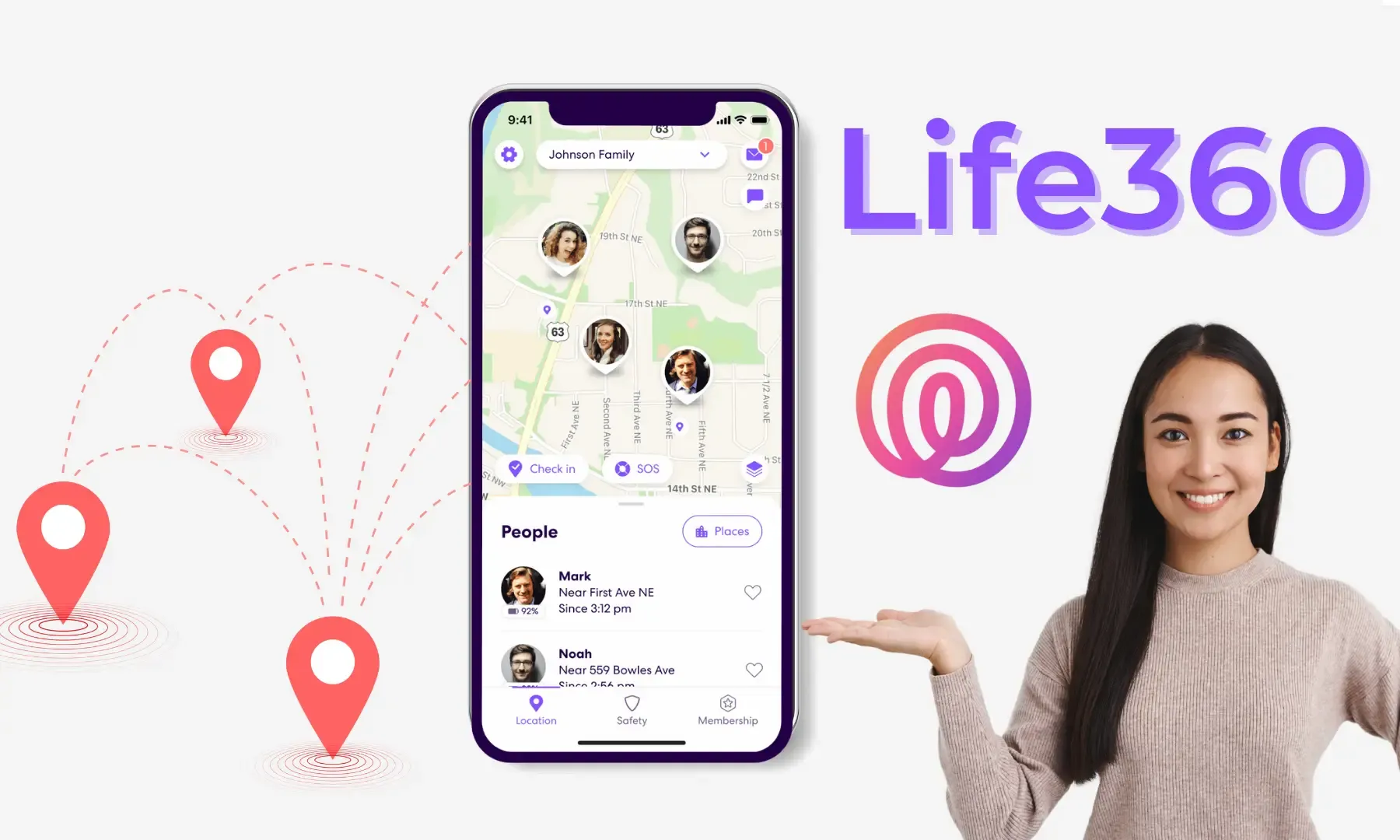
Common symptoms
Life360 on iPhone may:
- show your location as "stuck" (not moving)
- update only when you open the app
- show inaccurate circles or delayed updates
Because Life360 relies on background behavior, iOS settings matter a lot.
Step 1: Verify Life360 location permission
Go to Settings → Privacy & Security → Location Services → Life360:
- For real-time updates, Always is usually required
- Make sure Precise Location is ON if you need accuracy
If you only want updates when you use the app, choose While Using (but expect delayed updates).
Use this tool to understand the impact: **iPhone Location Permission Checker**.
Step 2: Check Background App Refresh
Go to Settings → General → Background App Refresh:
- Enable Background App Refresh globally
- Ensure it's enabled for Life360
Step 3: Check battery-related settings
These can reduce background updates:
- Low Power Mode (Settings → Battery)
- aggressive power management after long idle periods
Try disabling Low Power Mode temporarily and see if updates resume.
Step 4: Check network and iOS updates
- Poor network can delay updates (especially indoors)
- Update Life360 and iOS to the latest stable versions
Privacy choices (and consent)
Life360 is often used for family safety. If your concern is privacy:
- Talk with your circle members and agree on expectations
- Consider using While Using instead of Always
- Disable Precise Location for approximate sharing (if acceptable)
Stable location for legitimate testing/privacy scenarios
If you need a stable system-level location on iPhone for testing/privacy scenarios (no jailbreak), QPin provides a hardware-based approach:
- Learn more: QPin
- Pricing: Plans & Pricing
Related guides
- Life360 Full Guide
- iPhone Location Permission Checker