Mobile Virtual Location Software 2026: iPhone, Android & Fake GPS Apps
A practical guide to mobile virtual location software for iPhone and Android, including fake GPS apps, mock location, setup steps, system-level workflows, and safe usage tips.
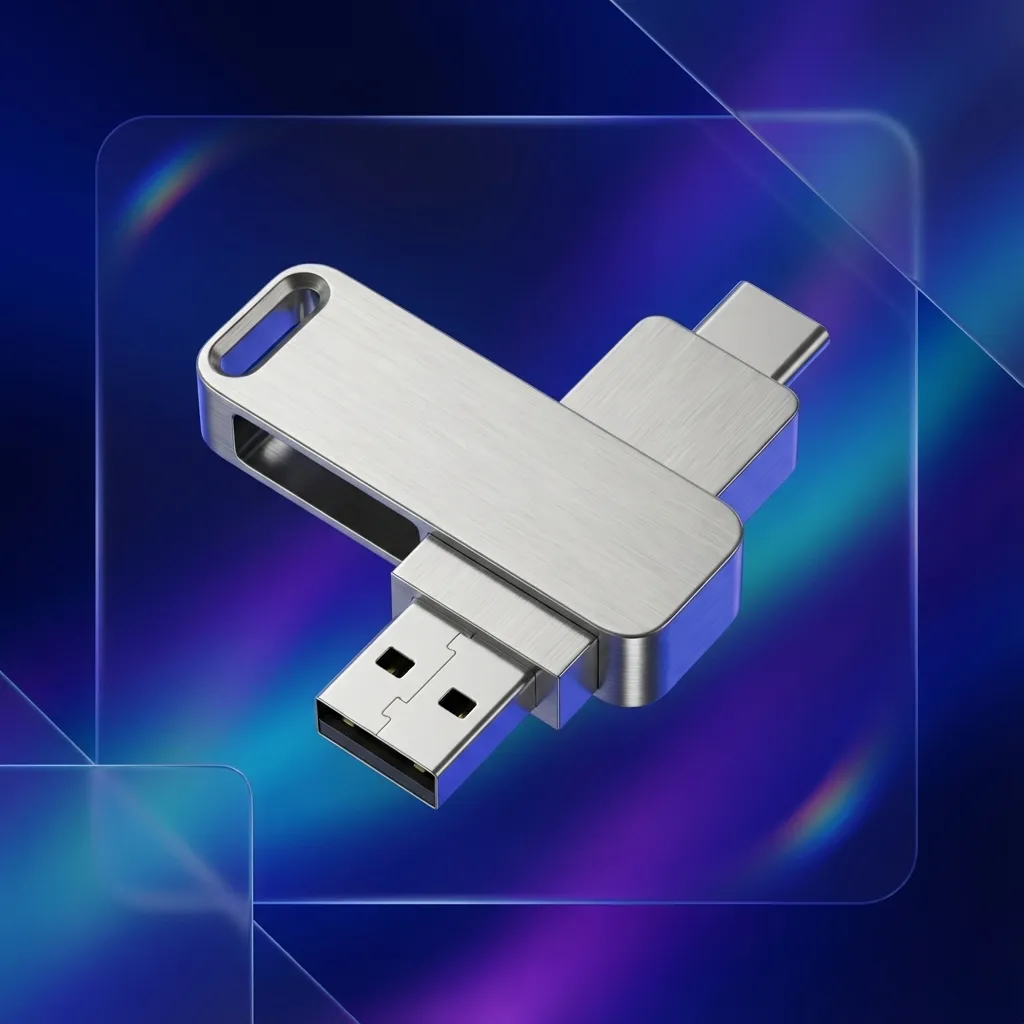
mobile virtual location software lets iPhone and Android users simulate GPS locations for app testing, regional validation, and privacy protection.
This practical guide covers:
- What a location changer does
- Differences between iPhone and Android setup
- How to pick a stable and secure tool
- Step-by-step usage flow
- Compliance and risk-control basics
Quick Platform Split
Android users usually compare fake GPS apps, mock-location settings, virtual containers, and root-based workflows. If that is your focus, read the dedicated guide: Best Fake GPS Apps for Android 2026.
iPhone users need a different workflow because iOS does not expose Android-style mock-location settings. QPin Desktop works through USB on Mac or Windows, while QPin Hardware is the portable external accessory option. Compare both on the QPin pricing section.
Use it responsibly and only in lawful, authorized scenarios.
FAQ
Is mobile virtual location software legal?
Legality depends on local laws and platform terms. Use it only for lawful testing, privacy, or approved business scenarios.
Do I need jailbreak or root?
Not always. Some tools support non-jailbreak iOS workflows and standard Android developer options.
Can apps detect virtual location?
Some apps have anti-fraud checks. Choose stable tools, keep settings consistent, and follow platform rules.
What keywords should I target for SEO?
It is useful for QA teams, app operators, and users who need location privacy in compliant scenarios.