MocPOGO Alternative: QPin for iPhone Location Control
Compare MocPOGO software with QPin Hardware's $150 no-computer option for portable iPhone location control, pricing, setup requirements, and supported workflows.
Quick Answer
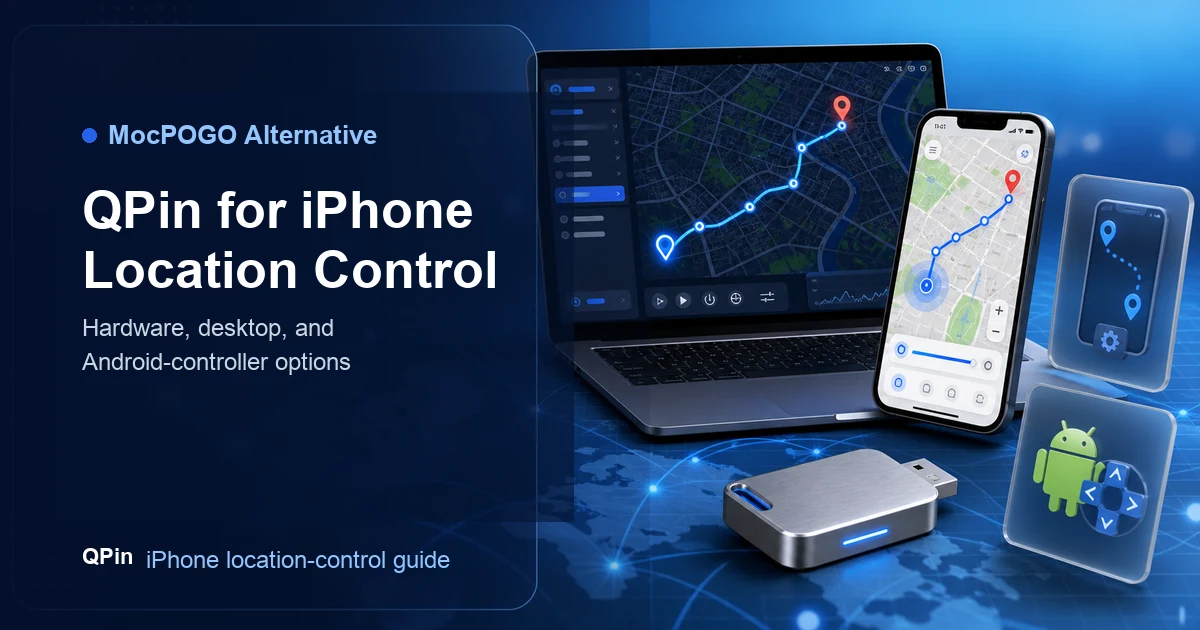
QPin serves as a versatile alternative to MocPOGO by offering three distinct iPhone location-control workflows: QPin Hardware ($150, portable, and PC-independent), QPin Desktop (computer-based route mapping), and QPin Android. Unlike MocPOGO's software-only approach which requires keeping a computer connected during normal use, QPin offers a reliable and native way to manage location signals.
Why Users Compare MocPOGO and QPin
MocPOGO is positioned as a location changer for mobile devices, with map-based location change, route features, and app-oriented use cases. Users looking for alternatives usually care about:
- iPhone support,
- route simulation,
- whether a computer is required,
- subscription or license cost,
- reliability during repeated use,
- whether a hardware path would reduce desktop dependency.
QPin does not need to replace MocPOGO in every case. It gives users a different product model.
MocPOGO vs QPin
When QPin Hardware Is the Better Alternative
Choose QPin Hardware if your biggest complaint is computer dependency. Hardware is the better starting point when you want to use location control from a couch, cafe, car, hotel, commute, or field route without keeping a Mac or Windows PC connected.
This is especially relevant for users who repeatedly use location-control workflows and no longer want a desktop-only setup.

When QPin Desktop Is the Better Alternative
Choose QPin Desktop if you like the software map experience and mainly need:
- larger map control,
- route planning,
- joystick movement,
- saved places,
- logs and repeatable test sessions,
- Mac or Windows workflow.
For users who are comfortable at a computer, QPin Desktop is the closest comparison to software products like MocPOGO.
When MocPOGO Can Still Fit
MocPOGO may still make sense if:
- you prefer its interface,
- you need its specific platform support,
- you only need occasional software-based location changes,
- its subscription or license plan fits your budget,
- you have verified that its current workflow supports your device.
Related comparison: If you are interested in a portable hardware option, see our GFaker Alternative Evaluation or check the iTools BT Comparison Guide.
Bottom Line
MocPOGO is a software-oriented choice. QPin is a product-line choice. If you want a direct software alternative, compare QPin Desktop. If you want to escape computer dependency, compare QPin Hardware first.
FAQ
What is a good MocPOGO alternative?
QPin is worth comparing because it offers hardware, Mac/Windows desktop, and Android-controller workflows for supported iPhone location-control scenarios.
Should MocPOGO users choose QPin Hardware or QPin Desktop?
Choose QPin Desktop if you prefer a computer map workflow. Choose QPin Hardware if portability and no-computer normal use matter more.
Does QPin promise support for every app?
No. QPin should be evaluated for supported workflows, and results can vary by app-side checks, device setup, and local rules.