Dingwei Baobei Bluetooth: iOS GPS Spoofer Hardware Guide (TS0M / VL01M)
What Dingwei Baobei is: Haohan Wuyin's iOS-only hardware + app GPS location simulator (TS0M / VL01M). How Bluetooth pairing works, common use cases, limits, and when to compare QPin Hardware.
Quick answer
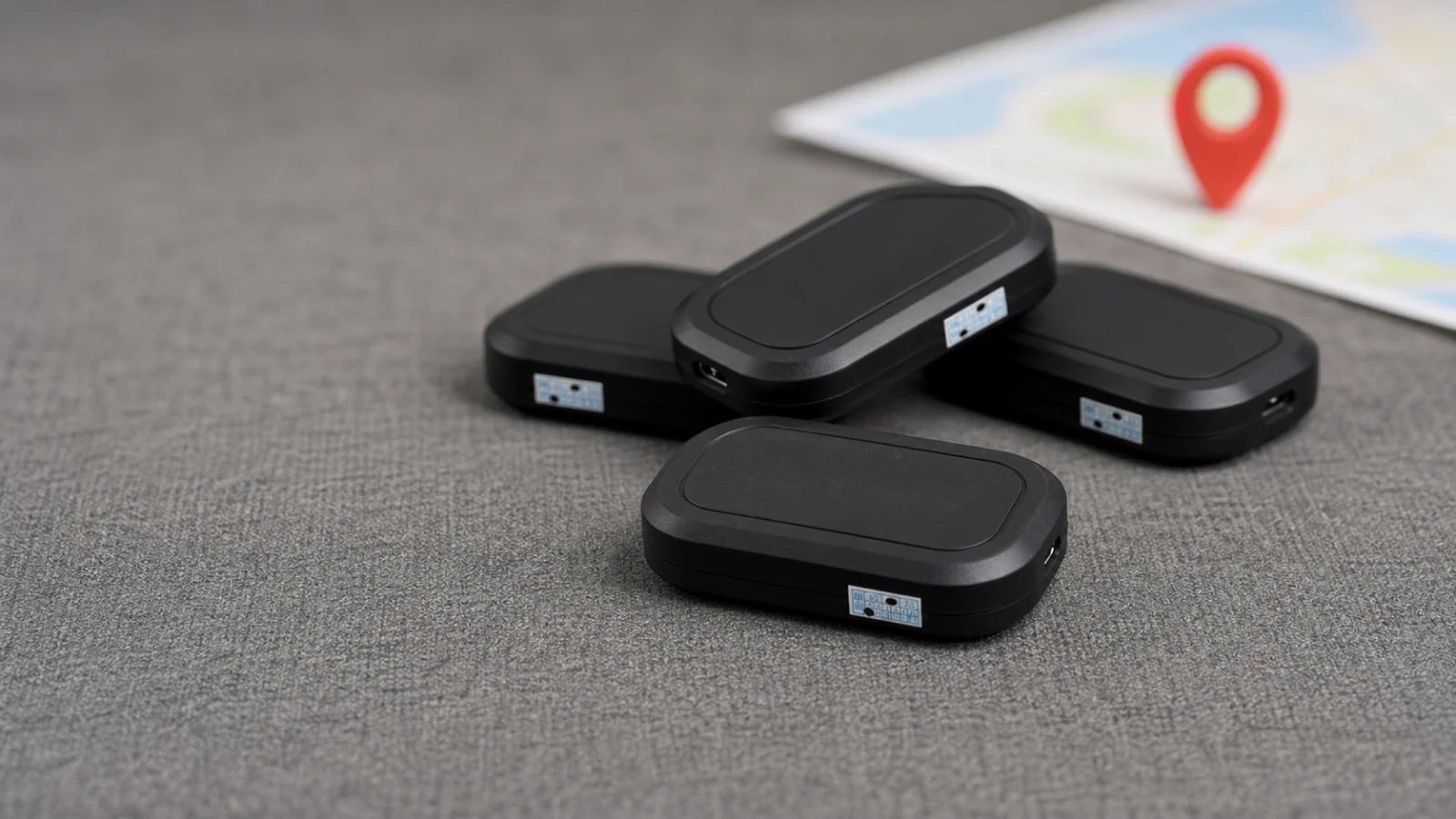
Dingwei Baobei (定位宝贝) is an iOS location simulation product from Haohan Wuyin (浩瀚无垠). It combines a hardware device + mobile app to change or simulate the GPS location used by the phone system or Bluetooth-connected workflow. It is iOS only—there is no Dingwei Baobei Android edition for Android phones.
Common hardware labels include TS0M and VL01M. After Bluetooth pairing with the companion app, you pick a map pin or a path; the stack then feeds simulated coordinates for supported location use.
It is not an anti-lost finder for keys or luggage.
What Dingwei Baobei is
Compared with pure software GPS spoofers, a hardware + app combo can feel more stable in some setups. No vendor can guarantee every map, game, or delivery app will accept simulated location without friction, and detection or policy risk still exists.
Common hardware models
You will often see:
- TS0M
- VL01M
Model names on listings can vary by channel. Before buying, confirm:
- Exact model string and generation
- Which app to install and how to sign in
- Supported iPhone models and iOS versions
- Warranty, shipping, and support contact
How it works (high level)
- Power on the Dingwei Baobei hardware.
- Install the official companion app on a supported iOS device.
- Enable Bluetooth and required location permissions.
- Pair the device over Bluetooth.
- Choose a map coordinate or configure a path / route in the app.
- Start simulation and verify the result in Maps (and only then in the target app).
- Stop simulation and restore real location when finished.
Hardware focuses more on signal stability and portable endurance; the app focuses on map selection, path settings, and controls.
Typical use cases
Uses people look for (and that vendors still cannot fully guarantee for every app):
- Pokémon GO–style map exploration and simulated movement practice
- Delivery-route testing (“Dingwei Baobei delivery” style checks)
- Path / route feature testing for QA or reviews
- App or game GPS tolerance testing—how clients handle drift, jumps, or route playback
Always follow local law, platform rules, and employer or account policies. Simulated location is not a free pass for abuse.
Pros and cons
Setup checklist
- [ ] iPhone / iPad model and iOS version recorded
- [ ] Hardware model (TS0M / VL01M / other) confirmed
- [ ] Companion app installed from the channel the seller specifies
- [ ] Bluetooth on; location permission allowed
- [ ] Pairing completed; battery level OK
- [ ] Test coordinate confirmed in Apple Maps first
- [ ] Target app tested only after Maps verification
- [ ] Real location restored after the session
Buying tips
- Confirm iOS only — do not buy expecting an Android edition.
- Match model and app — TS0M / VL01M must match the app the seller documents.
- Ask about iOS version support — major iOS updates can break older hardware stacks.
- Prefer clear return and support paths — not only the lowest price.
- Plan realistic paths — sudden long-distance jumps are more likely to look abnormal to apps.
Dingwei Baobei vs QPin Hardware
If you are comparing current iOS hardware location-control options, use this decision table:
Choose QPin Hardware when you want:
- a portable iOS location-control accessory with a documented product path
- setup help, shipping, and normal troubleshooting from QPin
- optional desktop map workflows via QPin Desktop
Setup reference: QPin Hardware manual.
FAQ
Is Dingwei Baobei the same as a Bluetooth anti-lost tracker?
No. It is an iOS GPS simulation stack (hardware + app), not a find-my-item tag.
Can every app accept Dingwei Baobei?
No. Official sides also cannot guarantee every location-based app works painlessly. Always verify in a safe test first.
Is pure software always worse?
Not always. Hardware can help stability for some users, but software tools (or QPin Desktop) still fit desk testing and large-screen routes.
Bottom line
Dingwei Baobei is Haohan Wuyin’s iOS-only hardware + app location simulator, commonly listed as TS0M or VL01M. Use it for map-pin and path-based GPS simulation on supported iPhones—not as an anti-lost tracker, and not as an Android product.
If you are shopping for a current portable alternative with clear pricing and support, compare **QPin Hardware** before you buy.
FAQ
Is Dingwei Baobei an anti-lost Bluetooth tracker?
No. Dingwei Baobei is an iOS GPS location simulation tool that combines a hardware device with a companion app. It is not a find-my-item anti-lost tracker.
Does Dingwei Baobei support Android?
Dingwei Baobei is positioned as an iOS-only solution. There is no Dingwei Baobei Android edition for changing Android phone location in the same product line.
What are common Dingwei Baobei hardware models?
Common hardware model labels associated with Dingwei Baobei include TS0M and VL01M. Always confirm the exact model, companion app, and iOS compatibility with the seller before buying.