Free iPhone Location Changer: Open-Source and Hardware Options in 2026
Compare free iPhone location changer options in 2026 — GeoPort and Xcode GPX simulation — plus when a dedicated hardware solution like QPin fits better.
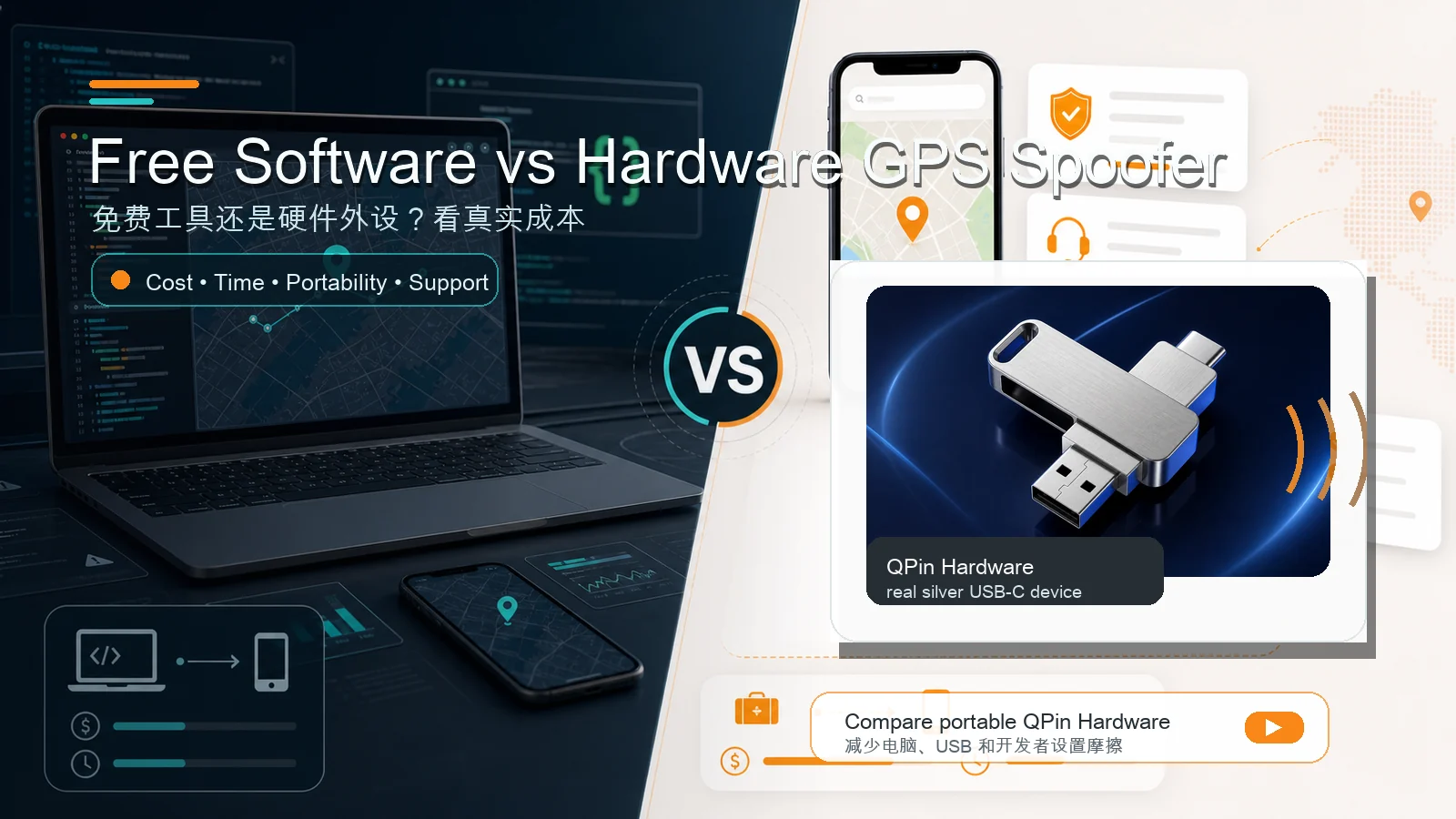
If you search for a free iPhone location changer, you will likely find a mix of app-store pages, YouTube demos, forum posts, and GitHub projects. Some promise one-tap location changes, while others require developer toolchains. In 2026, there are genuinely free and open-source ways to modify or simulate an iPhone GPS location, but they come with clear trade-offs in setup complexity, stability, and daily usability.
This article walks through the most credible free and open-source options available today, explains what each one is actually good for, and outlines when it makes sense to consider a dedicated hardware solution instead. No hype, no fake download buttons — just the landscape as it stands.
What "Free iPhone Location Changer" Actually Means
Before comparing specific tools, it helps to clarify one point: what the market calls a "free iPhone location changer" usually points to two very different things:
- A free app: a tool that changes system GPS directly on the iPhone with one tap. Strictly speaking, this type of app does not exist on the App Store in any reliable long-term form, because iOS sandboxing prevents ordinary third-party apps from modifying system-level location services.
- A free desktop or developer tool: a tool that connects to an iPhone from a Mac or Windows computer and sends simulated location data to the device. This article focuses on two more practical options: GeoPort and Xcode GPX simulation.
In short: there is no stable, free, phone-only, one-tap way to change system-level iPhone location. But if you are willing to connect to a computer and complete the setup, free tools can work for testing or occasional use.
Option 1: GeoPort — Free and Open-Source iOS Location Simulation
GeoPort is one of the more visible open-source projects in the iPhone GPS spoofing space. It uses USB developer-device communication protocols to simulate iPhone location and packages that capability into a standalone tool.
What GeoPort does well:
- Free and open-source — you can inspect the code, build it yourself, and contribute.
- Supports basic location spoofing workflows: set a coordinate, simulate movement along a route, and stop simulation.
- The public project currently highlights Mac and Windows support; check the current release page before relying on a specific operating system.
What to be aware of:
- GeoPort needs to keep a computer connected during use, because the simulated location depends on the desktop software running.
- Setup can involve device trust prompts, Apple USB services or iTunes on Windows, permissions, and Developer Mode where required.
- The project's maintenance pace and iOS version support can vary. Verify the current project status before relying on it — check the repository's recent commits and open issues to confirm it works with your iOS version.
- Different iOS environments may not be supported equally. Some iOS updates can change USB-based location simulation behavior and require the tool to be updated.
Best for: developers, tinkerers, and technically comfortable users who want to understand how iOS location simulation works under the hood.
If you want a deeper comparison between GeoPort and hardware alternatives, we have a dedicated article: GeoPort vs QPin.
Option 2: Xcode GPX Simulation — Apple's Built-In Developer Tool
Every Mac with Xcode installed can simulate location for development and testing workflows. This is Apple's own developer feature, intended for testing location-aware apps during app development rather than acting as a polished daily-use location changer.
How it works:
- Connect your iPhone to a Mac via USB.
- Open a project in Xcode, run or debug the target app, and choose Debug > Simulate Location where available.
- Pick a preloaded location or add a custom GPX file with your desired coordinates.
What Xcode GPX simulation does well:
- Completely free — Xcode is available on the Mac App Store at no cost.
- No third-party software or jailbreak required.
- Reliable for development and testing purposes, since it uses Apple's own toolchain.
What to be aware of:
- Requires a Mac — no Windows or Linux support.
- Xcode is a large download (several GB) and can be cumbersome to install just for location simulation.
- The simulated location is tied to the Xcode debugging/testing workflow, not a standalone consumer app. Closing the session or changing the device state can restore normal location behavior.
- There is no built-in route mode, joystick control, or saved-location management — it is a developer testing feature, not a consumer location changer.
- Each iOS update can shift how Xcode's location simulation behaves on specific device and iOS combinations. Always test on your setup before relying on it.
Best for: iOS developers who already have Xcode installed and need occasional location testing. Also useful for anyone on a Mac who wants to try iPhone GPS simulation at zero cost before deciding whether they need a more convenient workflow.
When Free Tools Make Sense (and When They Don't)
Free and open-source iPhone location changers are very useful in the right context:
Good fits for free tools:
- You are a developer testing a location-aware app and already have a Mac with Xcode.
- You want to learn how iOS location simulation works at a protocol level.
- You only need to change your iPhone GPS occasionally and do not mind the setup overhead.
- You are evaluating whether location simulation is useful to you before spending money.
Where free tools fall short:
- They require a computer tether — simulated location ends when you unplug.
- Setup and maintenance demand technical comfort and occasional reconfiguration after iOS updates.
- The daily-use experience is not fully polished; features like saved locations, joystick control, and route replay may be limited or missing.
- Community-maintained projects can go dormant or lag behind the latest iOS releases.
Comparison Table
When a Hardware Solution Like QPin Fits Better
Free tools cover testing and learning use cases well. But if you often think "I do not want to connect to a computer every time" or "I do not want to troubleshoot again after every iOS update," that is a sign that a dedicated hardware approach is worth considering.
QPin Hardware is a dedicated GPS control accessory for iPhone. It is designed to reduce the need for a Mac or PC during daily use and to avoid the command-line configuration process that often comes with open-source toolchains. QPin Hardware is a one-time purchase at $150, with no subscription fees.
Key differences from free software approaches:
- No Mac or PC tether during normal use: QPin is a portable hardware workflow. Keep the hardware connected and paired while you need the modified GPS session.
- No command-line toolchain: QPin Hardware avoids the developer-tool setup path that open-source desktop tools often require.
- Supported iOS environments: QPin is designed around tested iOS version ranges. Always check compatibility before purchasing — hardware solutions have supported boundaries just as software tools do.
- One-time cost: Unlike some competing hardware GPS spoofers that charge subscription fees or cost several hundred dollars, QPin Hardware is a flat $150 purchase.
QPin also offers software-based options for users who prefer desktop-driven workflows: QPin Desktop runs on your computer and controls location via USB, while QPin Android serves Android users with a similar approach. These are separate products — the Hardware edition is the flagship device for iPhone users who want a more portable GPS control workflow.
Choosing What Works for You
There is no single "best" iPhone location changer. There is only the option that best matches your technical ability, usage frequency, and tolerance for troubleshooting.
- Try free first if you are curious: install Xcode and test GPX simulation, or explore GeoPort on a spare afternoon. You will learn how the technology works and whether location simulation fits your needs — all at zero cost.
- Stay free if you are a developer, you only need occasional testing, and you are comfortable maintaining open-source toolchains.
- Consider hardware if you want daily-use convenience, portability, and a workflow that does not depend on keeping a computer connected and developer tools up to date. QPin Hardware is the product we build for that use case.
Whatever path you take, check compatibility before buying or relying on a tool. iOS keeps changing, and no location-changing approach can guarantee coverage for every device, every iOS version, and every third-party app.
*For more guides on iPhone location tools, compatibility updates, and comparisons, visit the QPin updates page or browse our product pages.*
FAQ
Is there a truly free iPhone location changer?
Yes. Open-source projects like GeoPort and Apple's Xcode GPX simulation workflow are free options. They require a computer connection and technical setup. Free tools work well for development testing and occasional use, but they are not designed as consumer-friendly daily drivers.
Is GeoPort free?
Yes. GeoPort is a free and open-source iOS location simulation tool. It typically requires a Mac or Windows computer, device trust prompts, and Developer Mode where required. Check the project's current repository to confirm it supports your operating system and iOS version before relying on it.
Can I change my iPhone location without jailbreak?
Yes. Options like Xcode GPX simulation, GeoPort, and hardware devices such as QPin all work without jailbreaking your iPhone. Each approach uses different technical methods — developer tools, USB communication protocols, or external GPS signal control — none of which require modifying iOS system files.
Are open-source iPhone location changers easy to use?
Generally, no. Most open-source solutions expect comfort with terminals, developer tools, device trust prompts, and troubleshooting. If you are comfortable reading GitHub README files and checking issue threads, you will manage better than most users. If you prefer a product setup flow, a hardware-based solution may fit better.
When should I choose a hardware iPhone location changer instead of free software?
Choose a hardware solution when you need portable GPS control without keeping a Mac or PC connected during normal use, when you want a product setup flow, or when you are not comfortable maintaining open-source toolchains. QPin Hardware is designed around a dedicated accessory workflow for supported iOS environments.
Is QPin free?
No. QPin Hardware is a paid hardware product at $150 as a one-time purchase, with no subscription fee. QPin also offers QPin Desktop and QPin Android for users who prefer software-based workflows. QPin is not open-source, but it is designed as a dedicated iPhone GPS control workflow that requires no jailbreak.
FAQ
Is there a truly free iPhone location changer?
Yes — open-source projects like GeoPort and Apple's built-in Xcode GPX simulation are free options. They require a computer connection and some technical setup. Free tools work well for development testing and occasional use, but they are not designed as consumer-friendly daily drivers.
Is GeoPort free?
Yes, GeoPort is a free and open-source iOS location simulation tool. It typically requires a Mac or Windows computer, device trust prompts, and Developer Mode where required. Check the project's current repository to confirm it supports your operating system and iOS version before relying on it.
Can I change my iPhone location without jailbreak?
Yes. Options like Xcode GPX simulation, GeoPort, and hardware devices such as QPin all work without jailbreaking your iPhone. Each approach uses different technical methods — developer tools, USB communication protocols, or external GPS signal control — none of which require modifying iOS system files.
Are open-source iPhone location changers easy to use?
Generally, no — most open-source solutions expect comfort with terminals, developer tools, and troubleshooting. They are built by and for technical communities. If you are comfortable with Homebrew, Python environments, and reading GitHub README files, you will manage fine. If you prefer a plug-and-play experience, a hardware-based solution will be a better fit.