iPhone Location Control Without Jailbreak: 2026 Methods Compared
Compare safe non-jailbreak iPhone location control methods in 2026: native privacy settings, Xcode GPX, QPin Desktop, QPin Hardware, and why jailbreak is no longer the default.
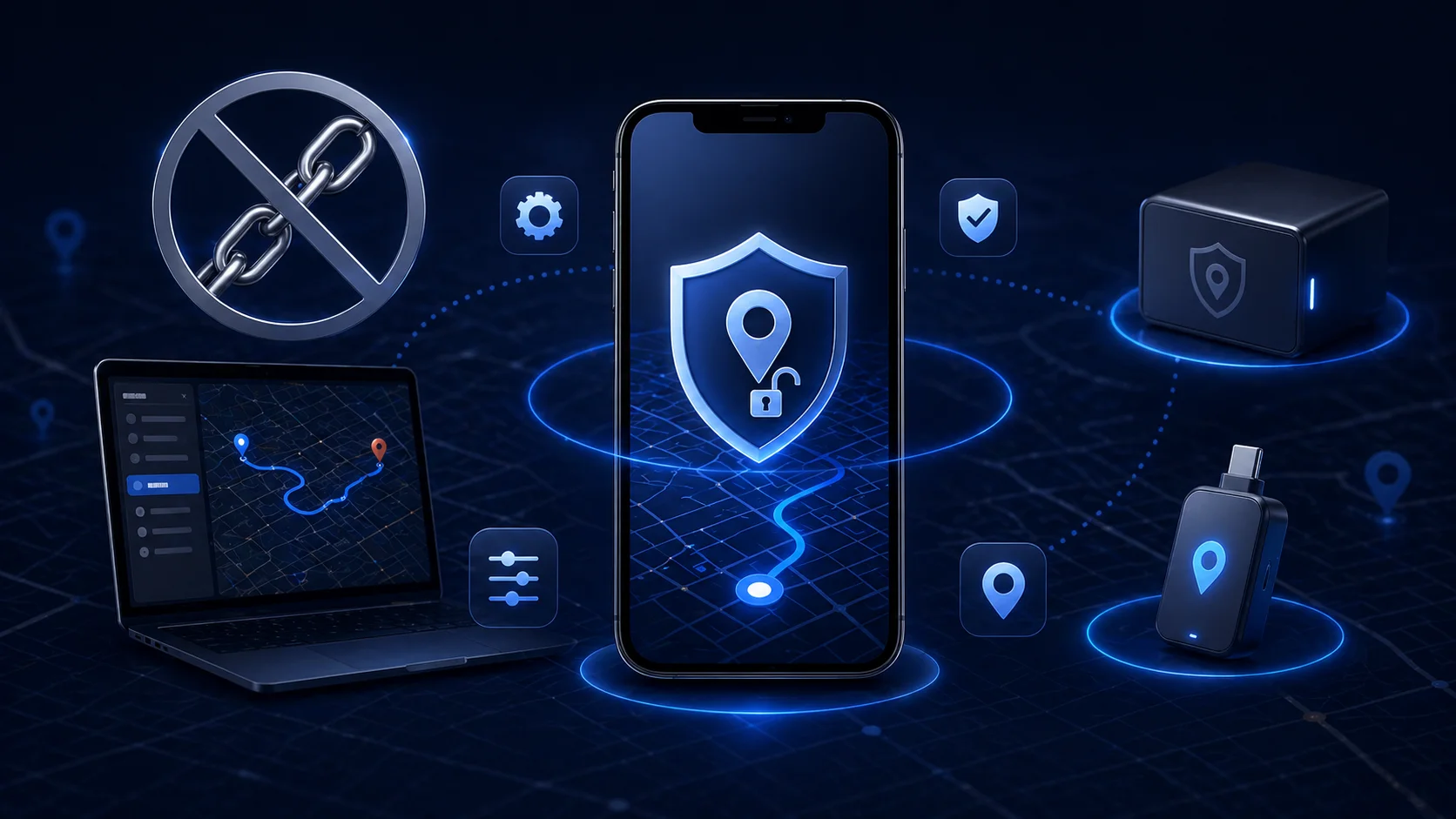
iPhone Location Control Without Jailbreak: 2026 Methods Compared
In 2026, jailbreak should not be the default answer for iPhone location control. It can weaken system security, break banking or work apps, complicate updates, and create support problems. Most legitimate privacy and testing workflows can be handled without modifying iOS.
Quick answer: use iOS native privacy settings for basic protection, Xcode GPX for developer testing, QPin Desktop for USB-connected Mac/Windows workflows, and QPin Hardware for portable workflows. All of these avoid jailbreak in supported setups.
The Dangers of Jailbreaking
Jailbreak may offer low-level control, but it creates tradeoffs:
- Reduced system security.
- Banking and work app failures.
- Update instability.
- Warranty and support complications.
- Higher risk from untrusted tweaks.
- More difficult troubleshooting.
For privacy-conscious users, weakening device security to protect location privacy is usually the wrong trade.
Method 1: Native iOS Privacy Settings
Best for everyday users.
Use:
- Per-app Location Services.
- Precise Location toggles.
- System Services audit.
- Significant Locations review.
- Find My and Safety Check.
- Photo geotag removal.
Start here: How to Protect Your Location Privacy on iPhone.
Method 2: Developer Mode and Xcode GPX
Best for developers and QA teams.
Xcode can simulate location for development and testing. GPX files can define fixed coordinates and movement paths. This is ideal for testing apps you build or manage.
Limitations:
- Developer-focused workflow.
- Not ideal for everyday privacy use.
- Requires a Mac and development setup.
Method 3: QPin Desktop
Best for desk-based workflows.
QPin Desktop provides a Mac/Windows USB workflow for supported iPhone setups. It is useful for:
- QA testing.
- Map demos.
- Regional feature checks.
- Privacy-conscious location workflows.
- GPX and route workflows.
Read: QPin Desktop Setup Guide.
Method 4: QPin Hardware
Best for portable workflows.
QPin Hardware is a dedicated external-accessory workflow. Choose it when you do not want to keep a computer attached during normal use.
Use cases:
- Portable privacy workflows.
- Field testing.
- Demonstrations.
- Location-based app scenarios.
- Users who prefer dedicated hardware.
Read: QPin Hardware Manual.
Why Hardware-Level Control Is a Strong Long-Term Direction
Hardware workflows avoid Android-style mock-location flags and do not require jailbreak. But they should still be described carefully:
- They are not magic.
- They are not guaranteed to bypass every app rule.
- Apps may apply account, sensor, network, or policy checks.
- They should be used for legitimate privacy, testing, demo, or authorized workflows.
Comparison Table
What QPin Can and Cannot Do
QPin can help control the iPhone system location layer in supported setups for privacy, QA testing, demos, and authorized workflows. QPin cannot guarantee that every app will accept the location, cannot replace the app's official privacy settings, and cannot prevent account, network, sensor, or policy checks. Do not use location tools for fraud, harassment, impersonation, or safety abuse.
Customer Feedback Snapshot
Verified customer feedback highlights why a no-jailbreak workflow is easier to maintain than modifying iOS:
The no-jailbreak workflow kept the device easier to update and support. QPin Desktop fit desk-based testing, and QPin Hardware fit portable scenarios without promising that every app will accept the location.
Conclusion
You no longer need to start with jailbreak. For most users, the safer path is native privacy settings plus a no-jailbreak workflow when deeper location control is needed. QPin Desktop and QPin Hardware cover the two practical workflows: computer-based control and portable location control.
FAQ
Do I need jailbreak to control iPhone location?
No. Native privacy settings, Xcode GPX testing, QPin Desktop, and QPin Hardware all provide non-jailbreak approaches for different use cases.
Which non-jailbreak method is best?
Use native settings for privacy basics, Xcode GPX for development, QPin Desktop for USB-connected desktop workflows, and QPin Hardware for portable location-control workflows.